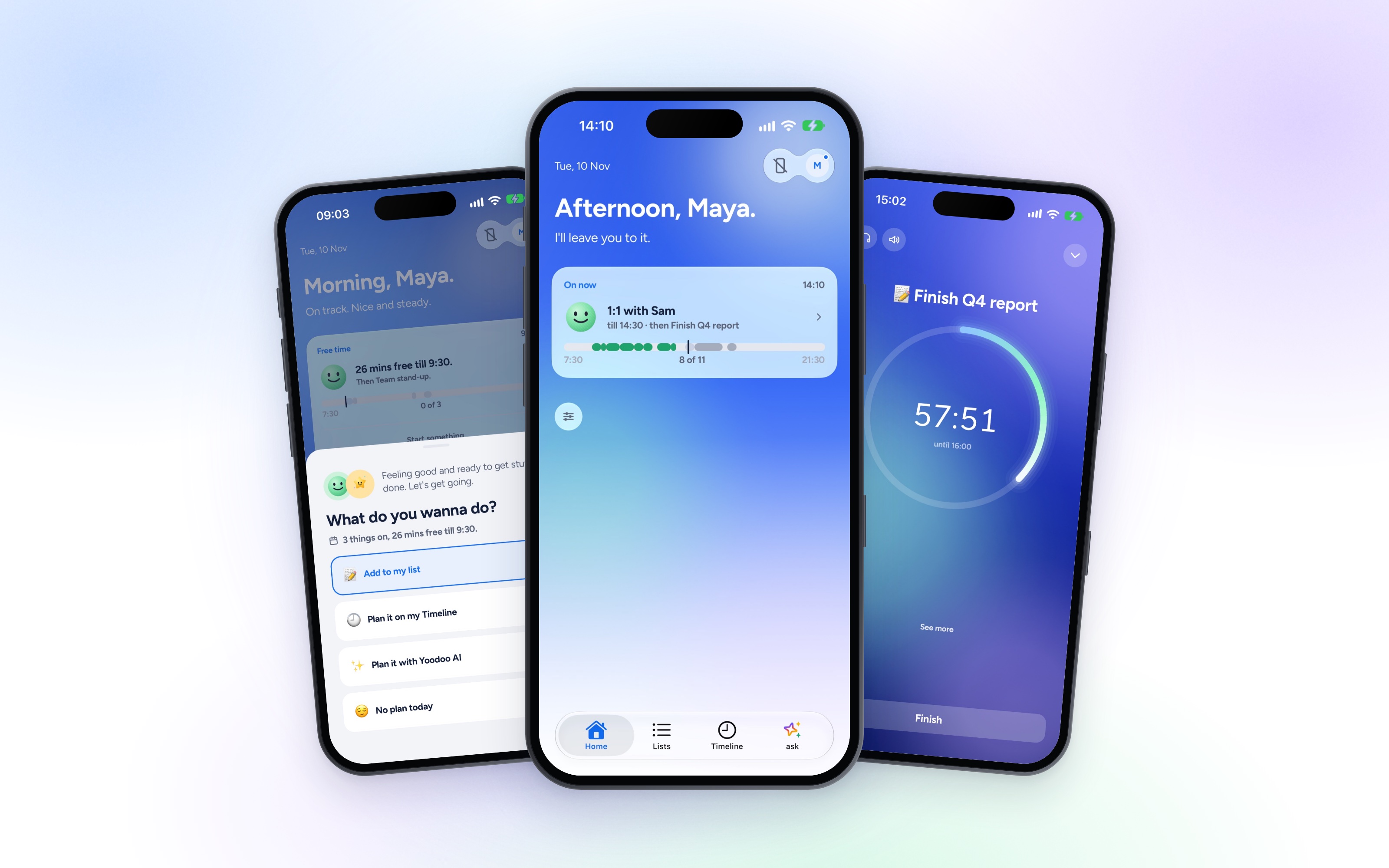
Yoodoo is built for days that don't go to plan. That bit hasn't changed.
What 4.2 changes is how it feels to live in it all day. A planner you open twenty times a day should be nice to look at, easy to start the day with, and kind at the end of it. So this update is about the look, the start of the day and the end of it. Here's what's new.
A new sky on Home
Home now sits on a soft sky that follows your day. Blue in the morning, purple at dusk, dark at night. It's the first thing you see when you open Yoodoo, so I wanted it to feel calm, not busy.
Want a different one? Go to Settings, under Look. Calm and Aurora are free, the rest come with Pro.
A livelier focus timer
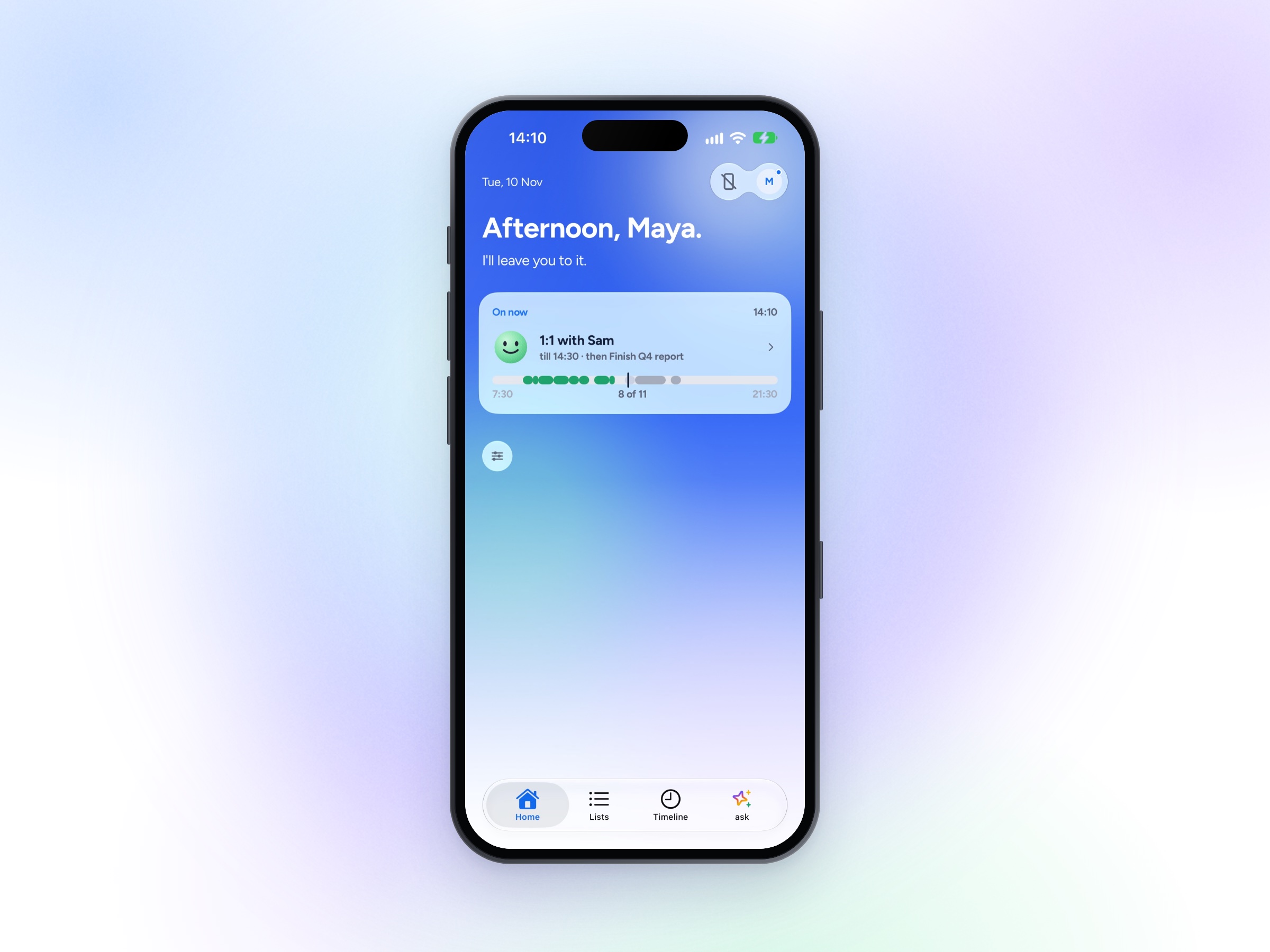
Start any task and the timer fills the screen with soft, moving colour. It's nicer to look at than a plain ring, and it helps you stay put.
Cheer me on adds a short line under the ring now and then, for the bit where you want to give up. And when you finish, the fireworks are bigger. You earned them. Don't want the cheers? Switch them off in the timer, under Music.
A morning check-in, and Plan my day redone
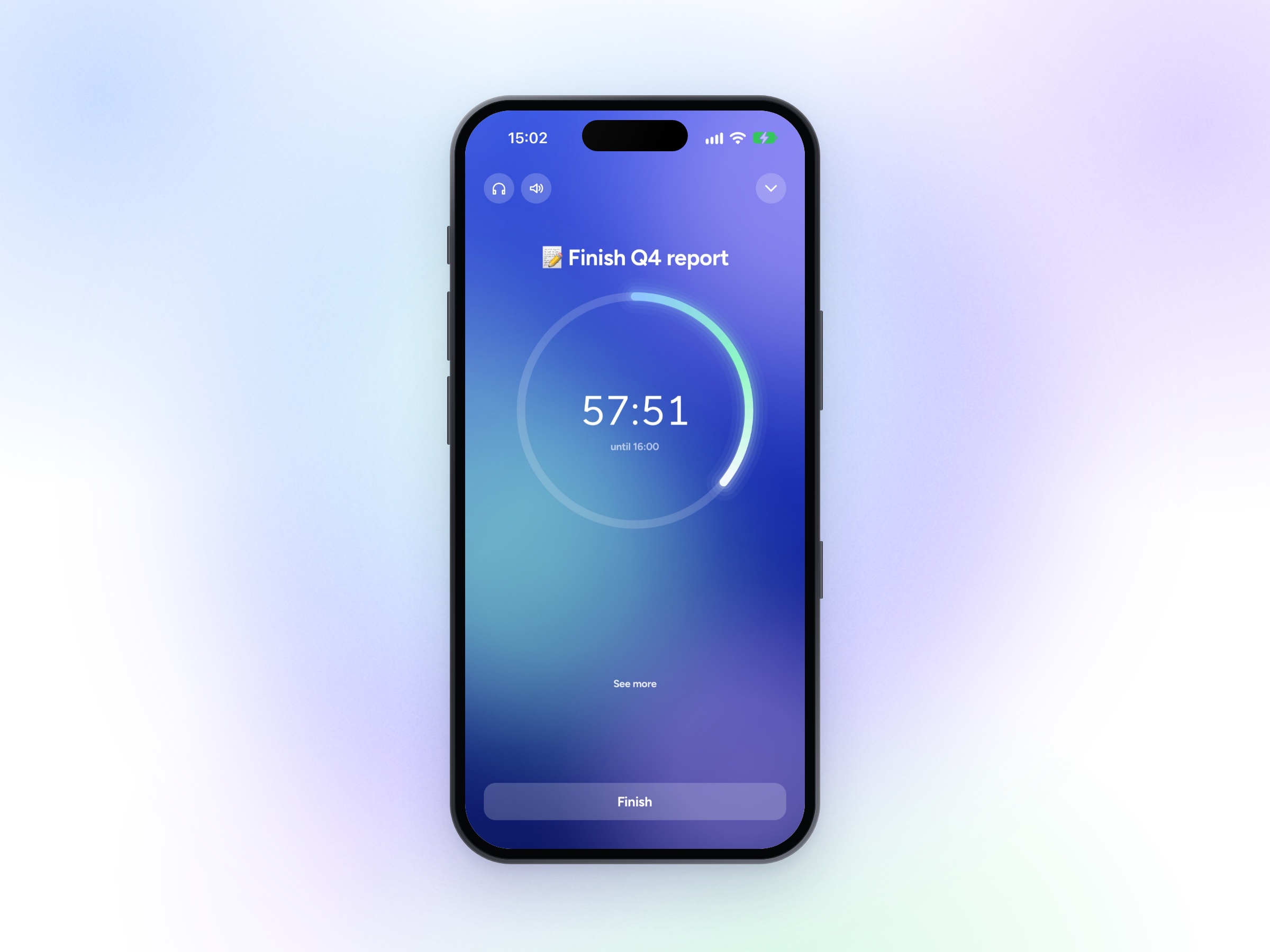
Mornings now start with a quick check-in. How you're feeling, what kind of day it is, a line to get you going and one idea for the day. That's it. No plans, no guilt about yesterday. Just a fresh start.
Then Plan my day asks what you want to do, four ways. Add things to your list, plan it on your Timeline, plan it with Yoodoo AI, or no plan today. Some days are no plan days, and that's fine.
Small one I love: tap ⌄ beside Done and you can tick a task and add its follow-up in one go, with a time if you like.
A wrap up at the end of the day
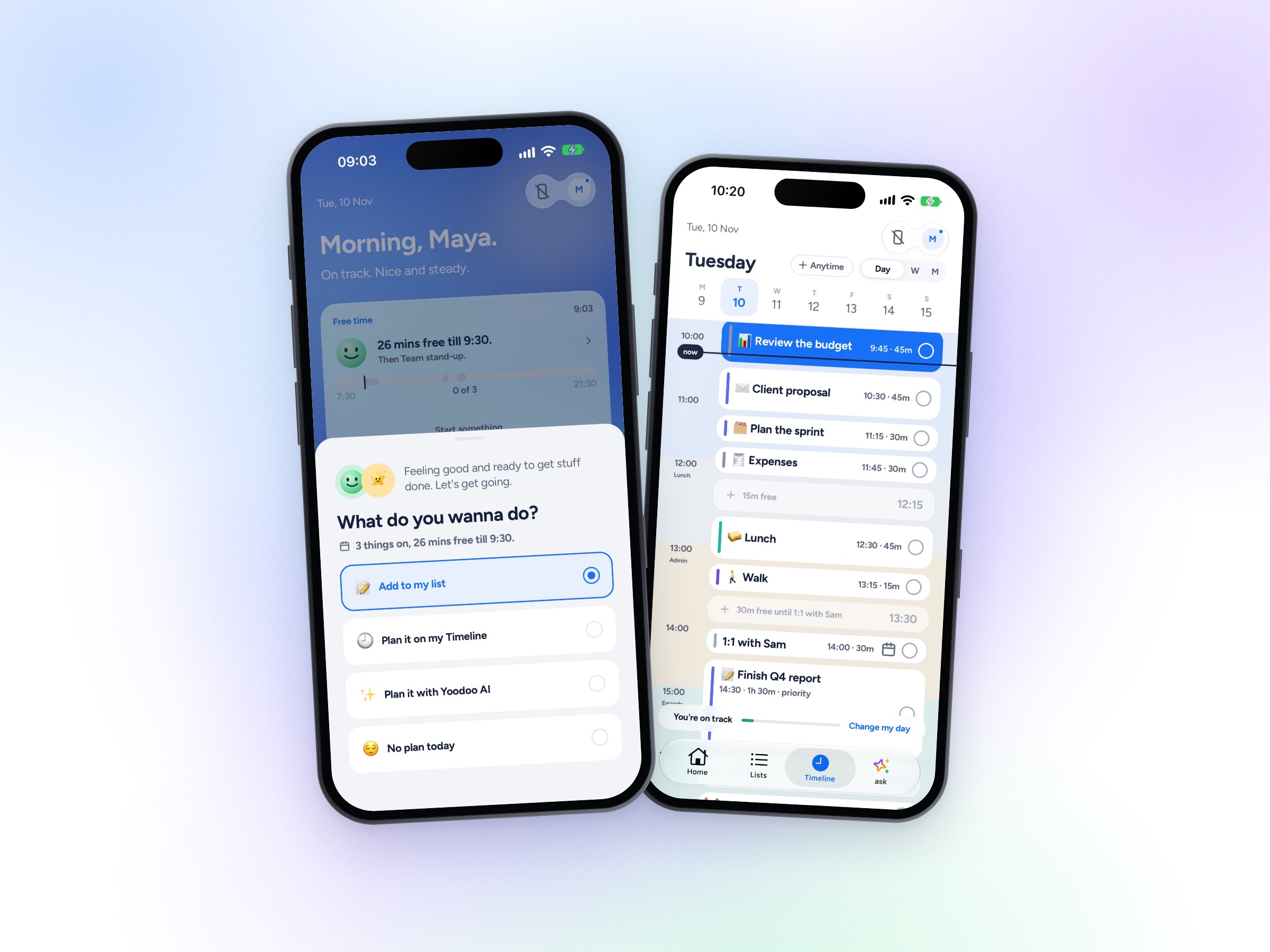
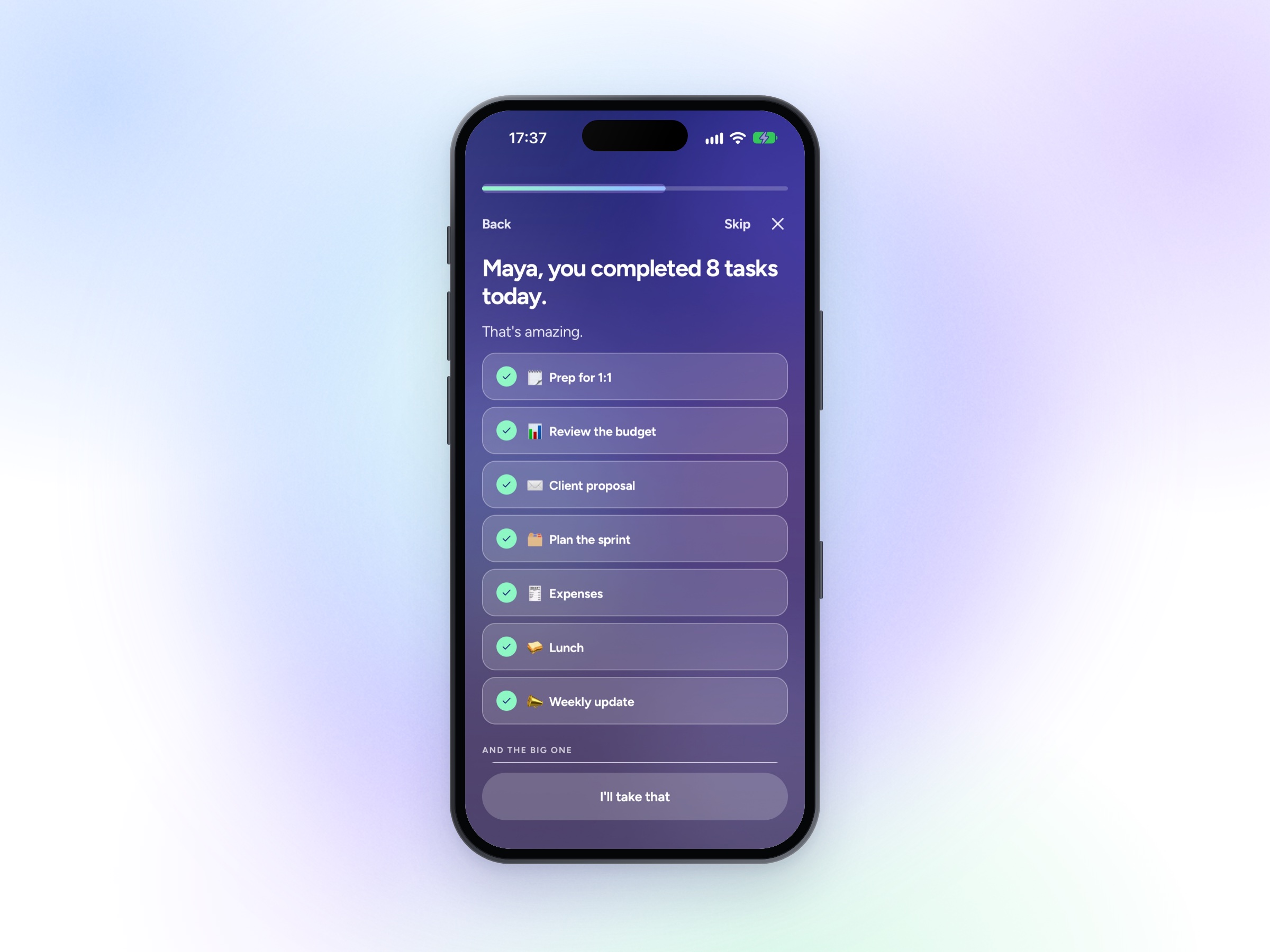
The day used to just stop. Now there's a wrap up. See what you got done, give what slipped a time, and switch off. It takes a minute, and you go to bed with a clear head.
Add things by voice, and your day on the Lock Screen
Thoughts turn up at the worst times. Now you can catch them without opening the app. On iPhone, use the Capture widget, say "Hey Siri, add to Yoodoo", or add the Capture button to Control Center. On Android, it's the widget, a Quick Settings tile or Hey Google. Tap and talk.
Thoughts that aren't tasks have a home too. Notes now live in Lists.
And on iPhone, your day sits on the Lock Screen: what's on now and what's next, at a glance, from when you wake up to bed. On Android it's a quiet notification instead.
Yoodoo in Spanish and German
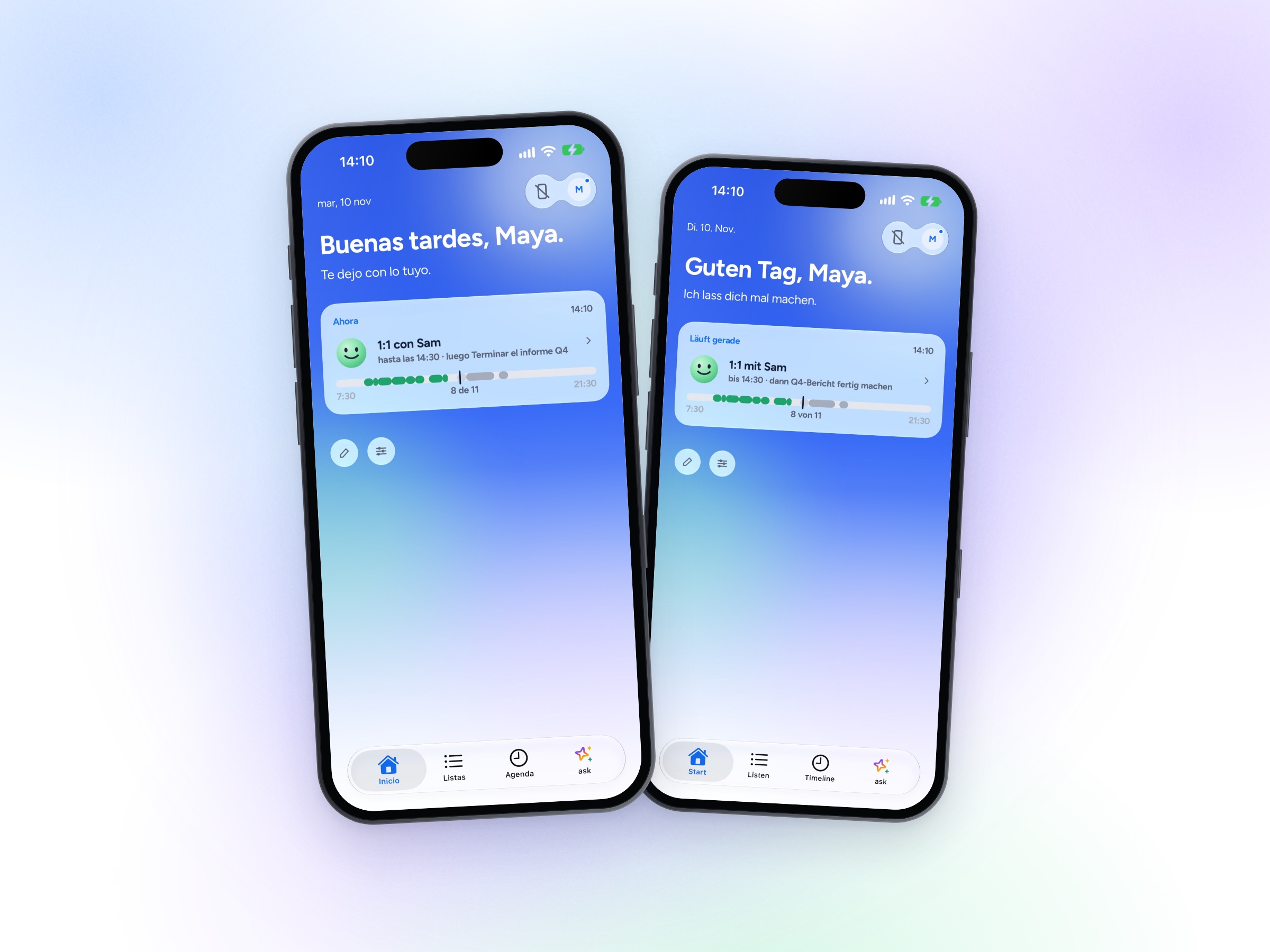
Yoodoo now speaks Español and Deutsch. Change it in Settings.
Two more things
Yoodoo in Claude. Yoodoo is in Claude's connector directory, so you can plan your day from a chat with Claude. It's part of Pro.
Students, half price. If you're studying, Pro is half price for your first year on the web. Just check with your uni email.
Get the update
4.2 is out now. Update on the App Store or Google Play (it's rolling out on Android, so give it a day if you don't see it yet), or open the web app. Everything you've made comes with you.
Tell me what you think. Hit reply to any Yoodoo email or write to help@yoodoo.app. It comes to me, and I read every one.
Ross