Timeline: the day, in order
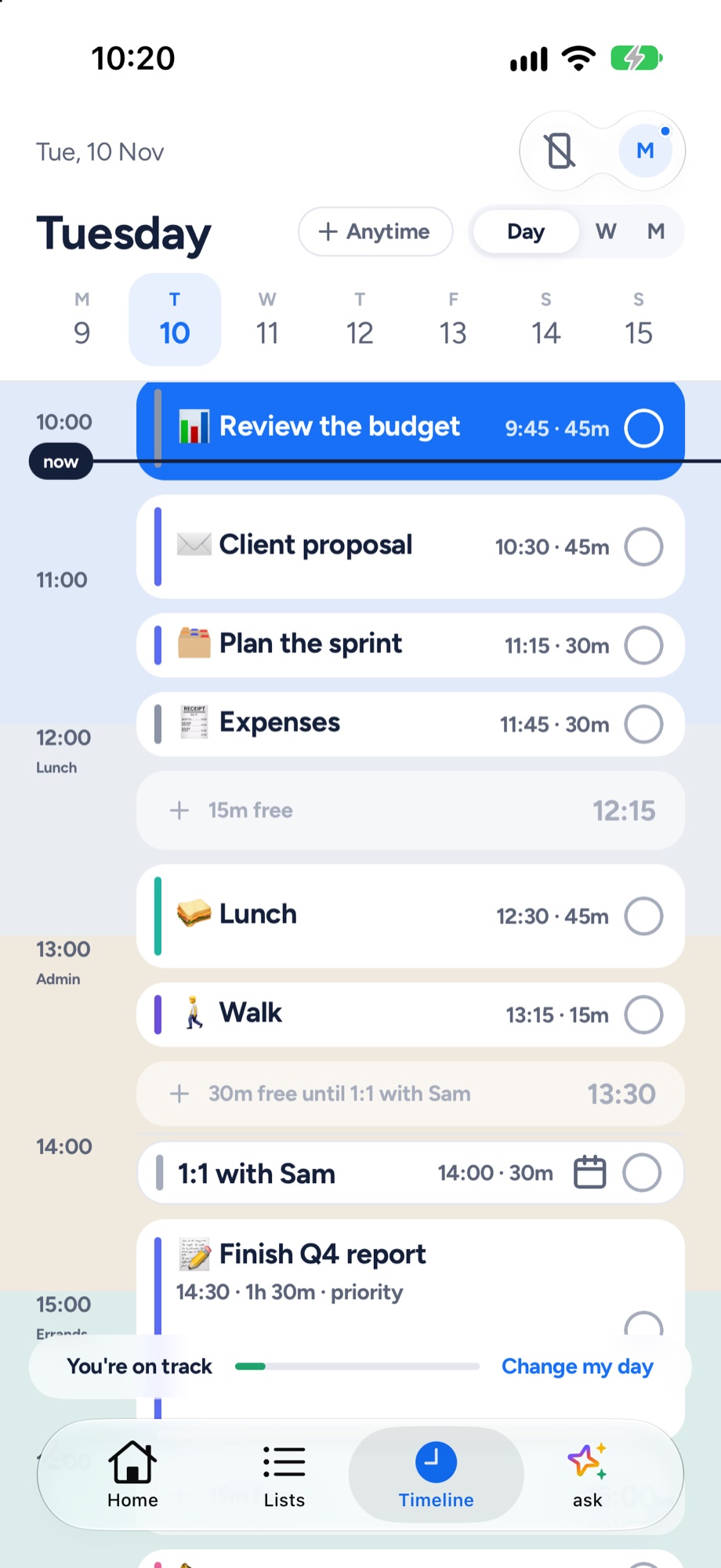
Tasks sit around the meetings from their calendar, each with a start time and a length. Free gaps are marked, so they can see what actually fits.
Yoodoo for teams
Yoodoo turns meetings and to-dos into a day that fits, tells them what to start, and rebuilds the plan in a tap when it goes sideways. Built with people with ADHD, for anyone who gets overwhelmed.


Try it free first: ten people, one month. No card needed.
Teams of 5 to 250 · Set up in a day · No diagnosis or disclosure, ever

Trusted by 100,000+ people in 120+ countries
★★★★★
“Game changer for work. Could never focus on one thing at a time before and it killed my productivity.”
★★★★★
“yoodoo just tells me what to do next. that's it. that's the whole thing.”
★★★★★
“Third week and still opening it daily which NEVER happens for me. The genius is there's nothing to maintain...”
 UK and EU GDPRDPA on requestBuilt with ADHD'ers since 2022iPhone, Android and web
“Teams with neurodivergent professionals in some roles can be 30% more productive than those without them.”
What it is
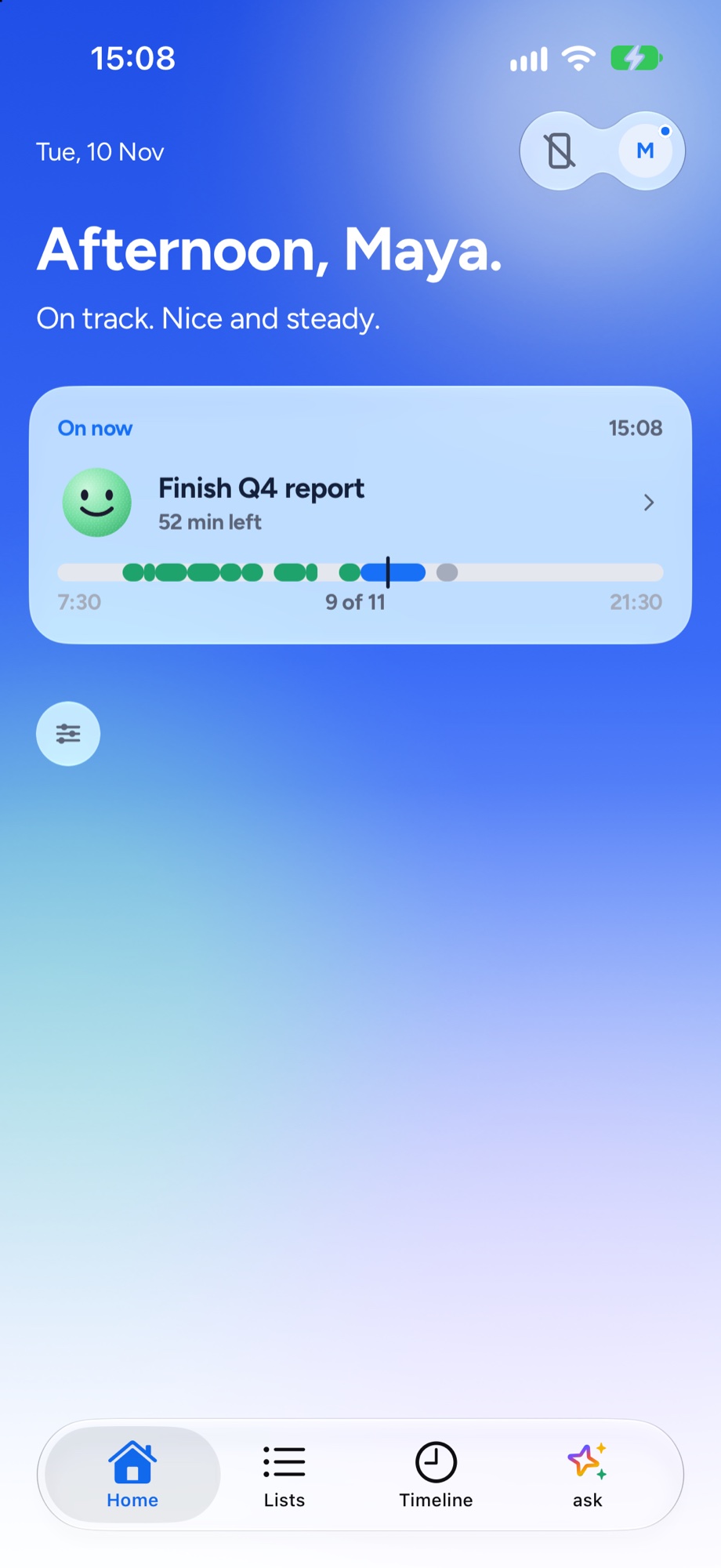
Yoodoo turns their to-do list and calendar into a realistic day, then rebuilds it in a tap when something runs over. Built since 2022 with thousands of people with ADHD, for every busy, distractible brain.
A native app on iPhone and Android, and a full desktop version on Mac and PC. The desktop version runs in the browser, so there is nothing to install on work machines. It's the same day on every device.


Inside the app
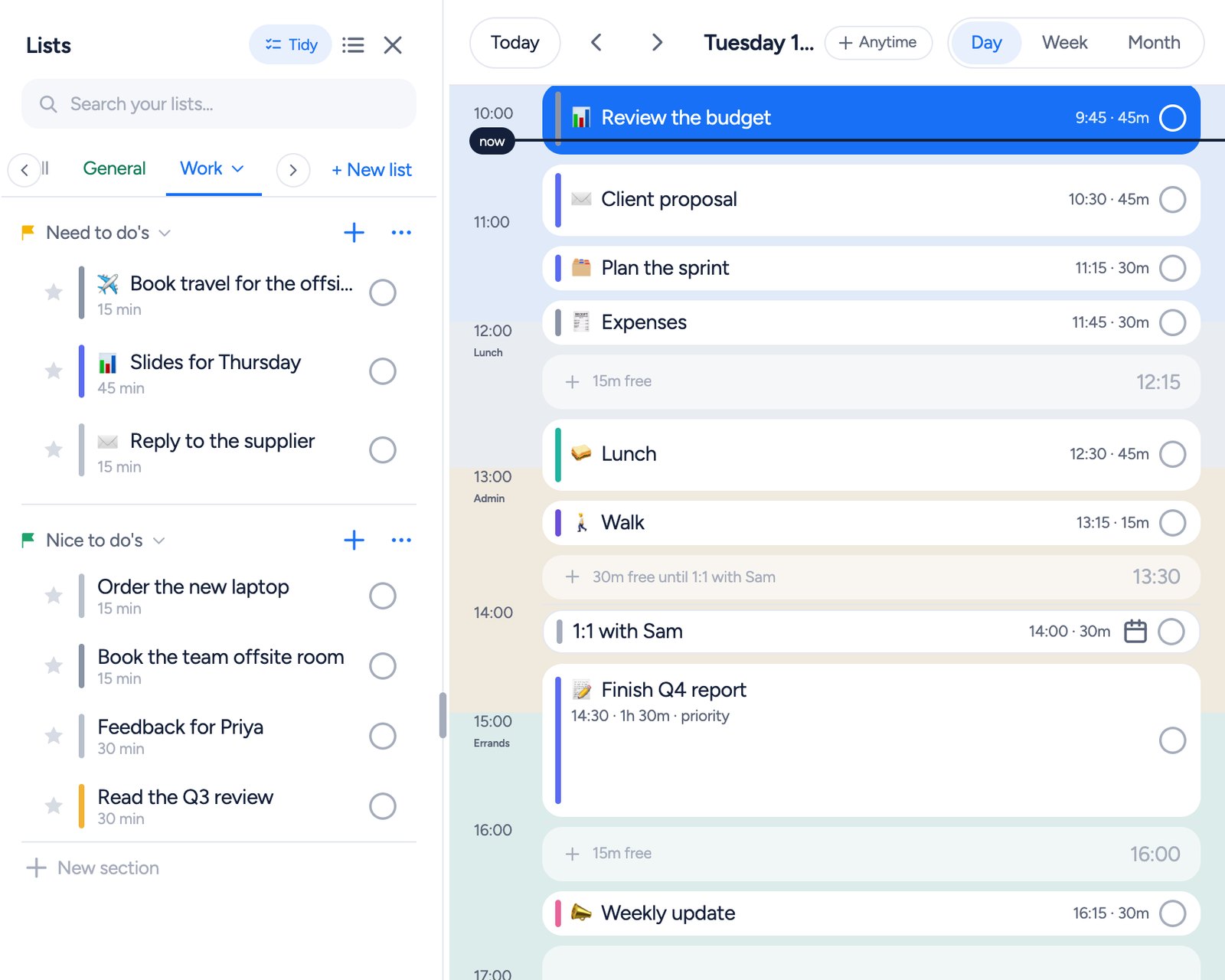
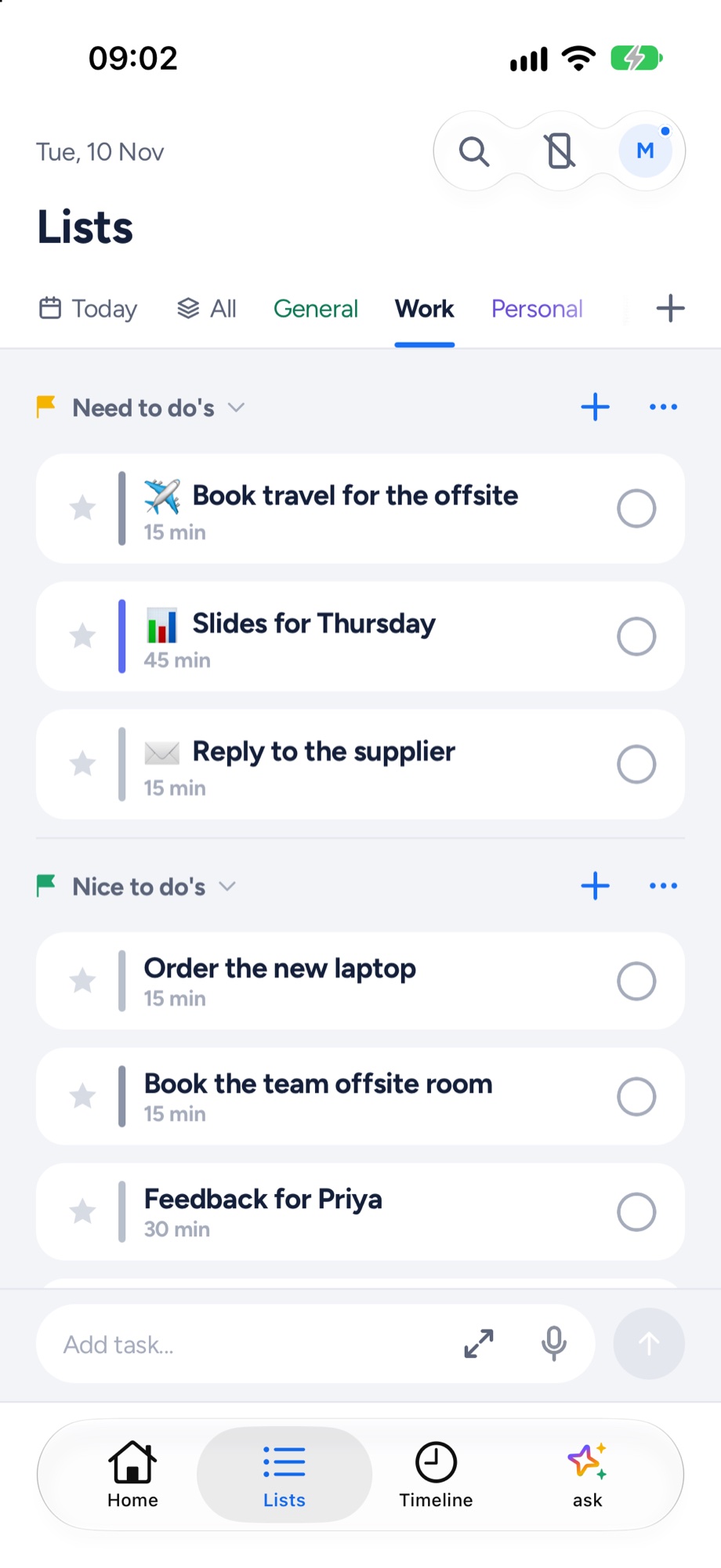
A timeline for today and lists for everything else.
Tasks sit around the meetings from their calendar, each with a start time and a length. Free gaps are marked, so they can see what actually fits.
Work and personal to-dos, sorted into need-to-do and nice-to-do. It's where they pull from when they plan the day.
How it works
Four moments in a normal working day. Each takes a tap or two.
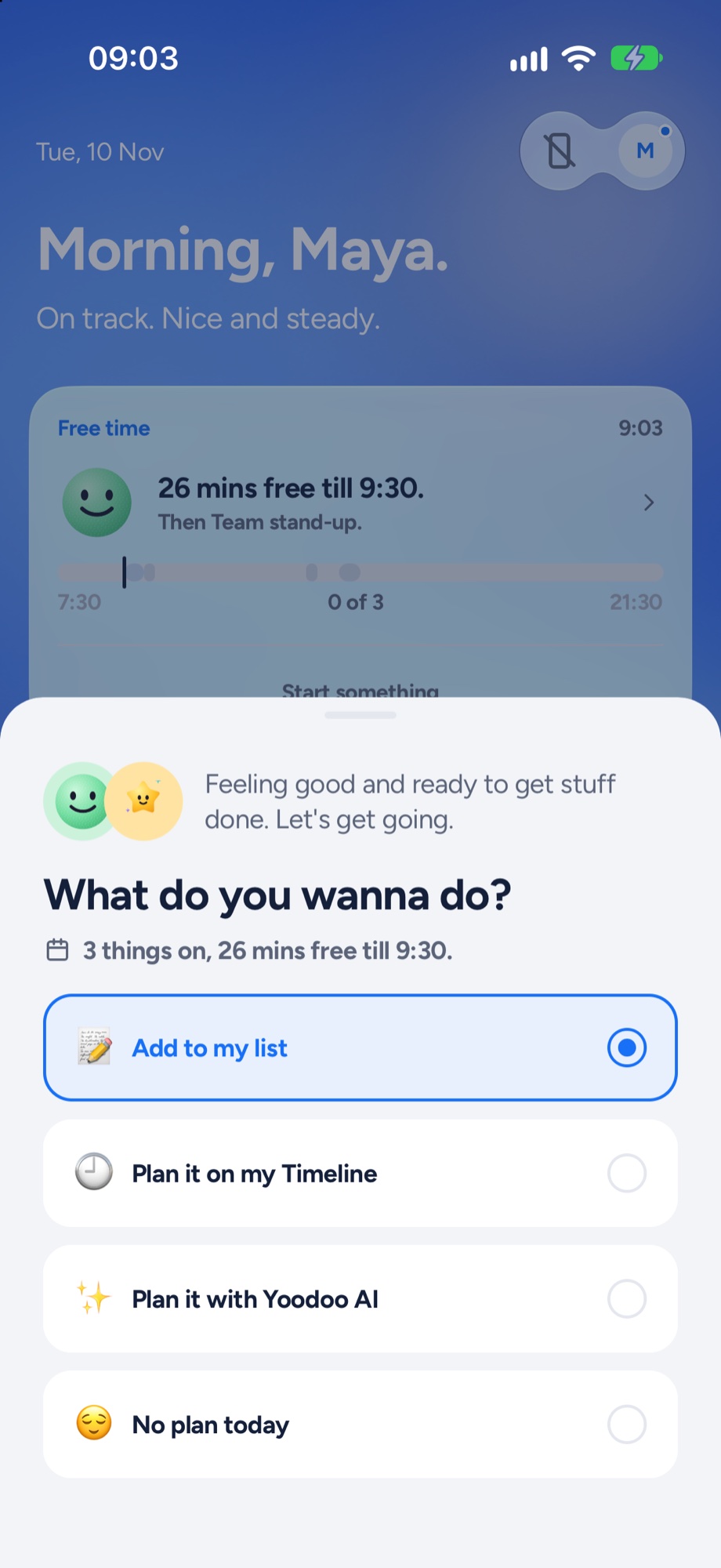
Each morning Yoodoo shows what is already in their calendar and asks how they want to plan: from their list, on the Timeline, or with Yoodoo AI.

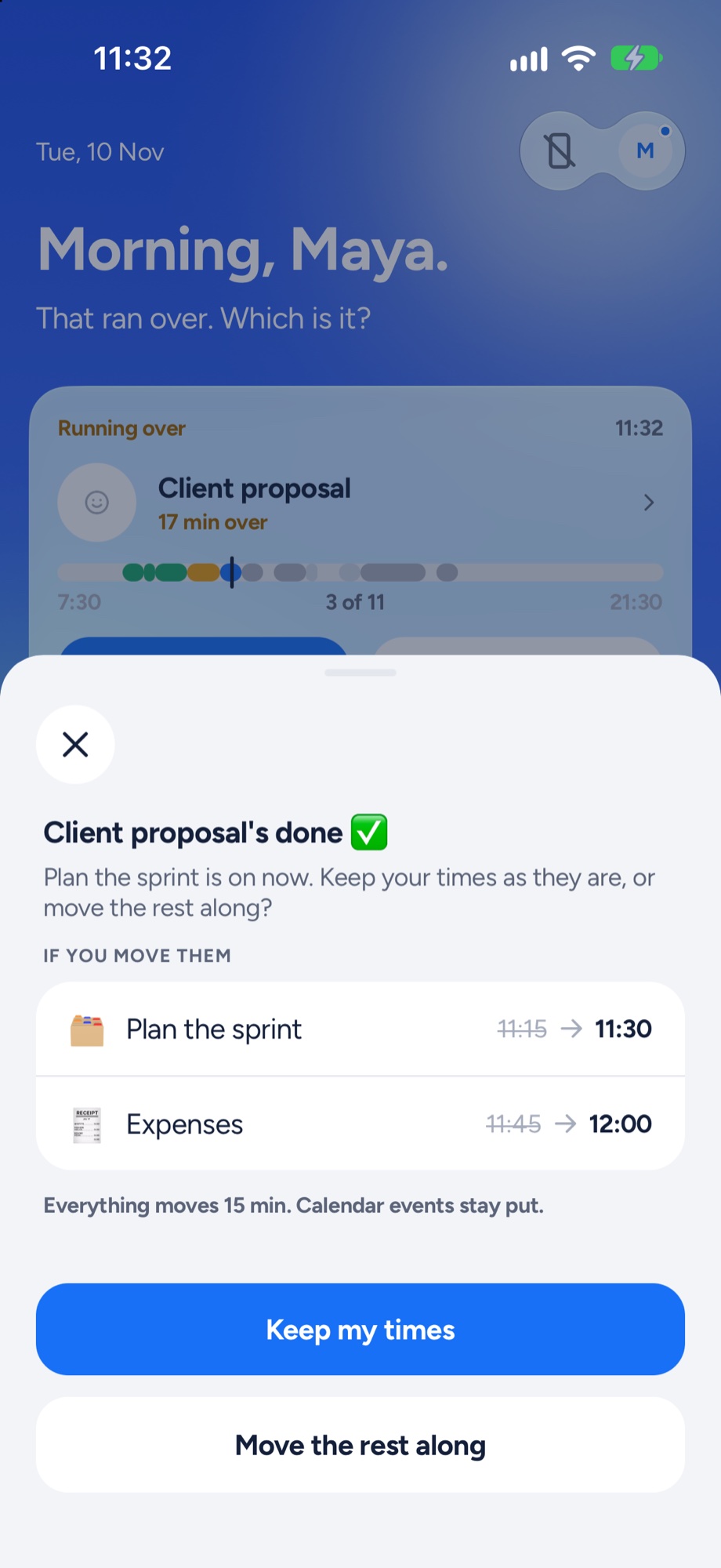
One tap moves the rest of the day along. Their meetings stay exactly where they are, and nothing piles up.

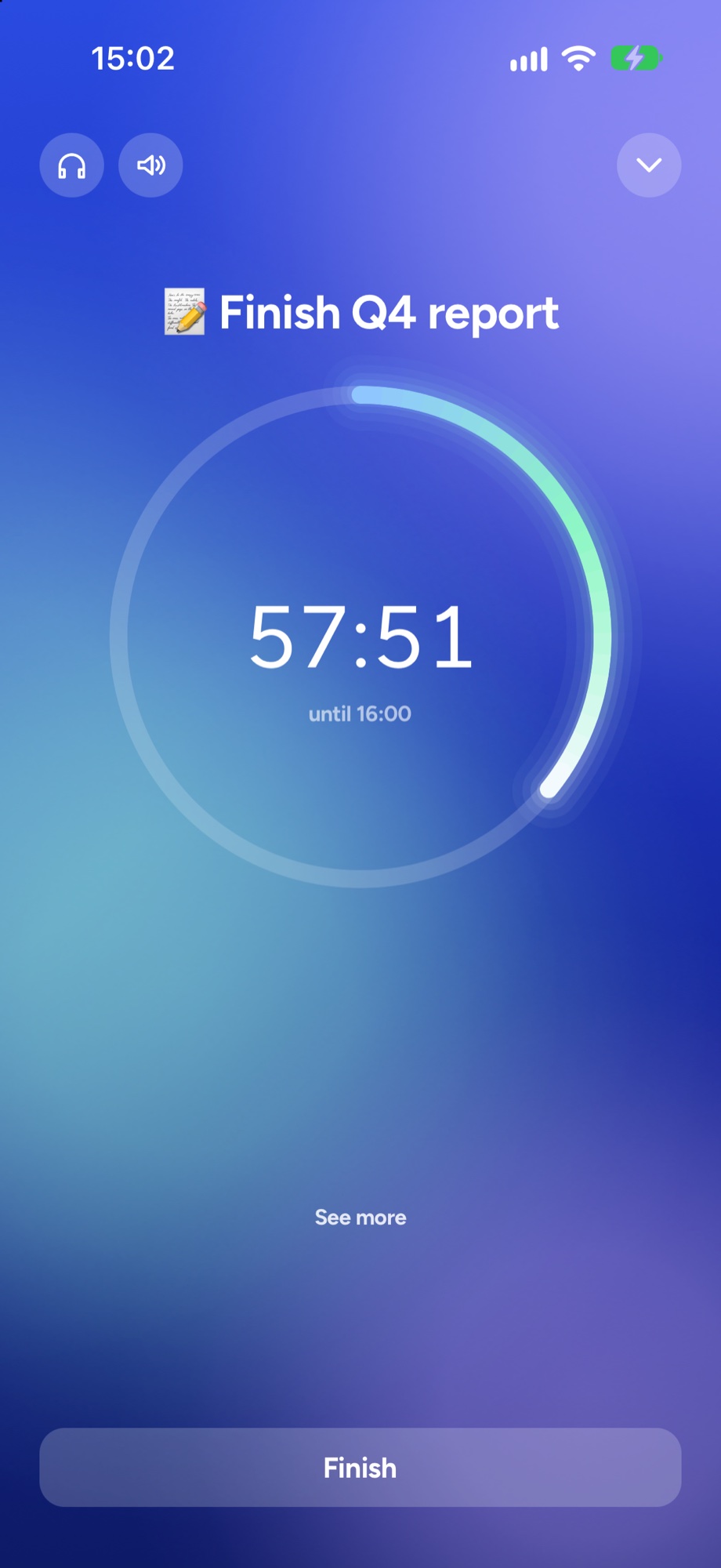
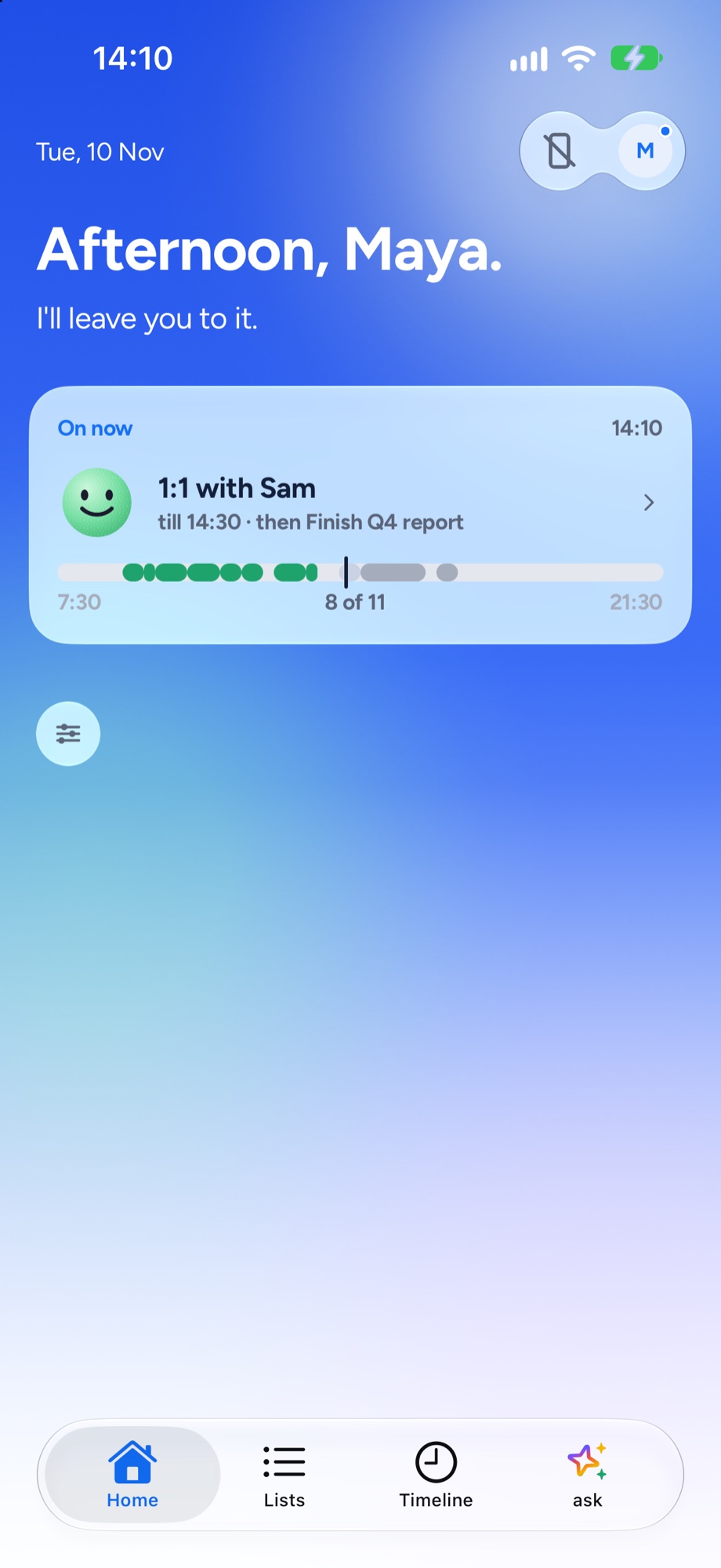
A timer on the next task, with the distracting apps blocked until it is done.

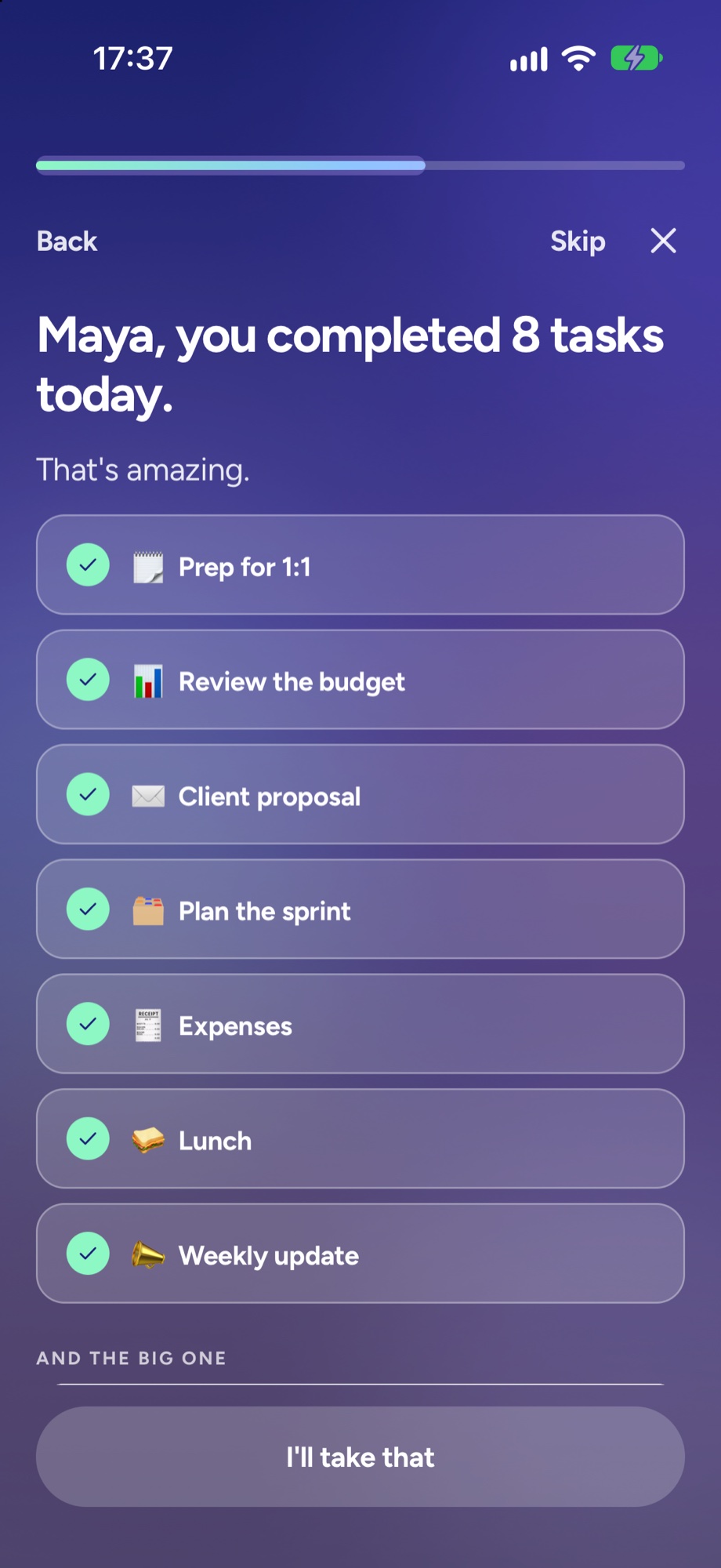
Two minutes to see what got done and line up tomorrow. Then the day is finished.

What people say
★★★★★
“...I've got a ton of different areas at work of to-dos, and this has already given me great relief...”
★★★★★
“No bloat, no endless setup, no guilt trips when you miss a day. It just quietly helps.”
★★★★★
“3 weeks in which is a personal record for any planner.”
Why Yoodoo
It works with the calendar they already use and sits alongside your task tools. Those show what exists. Yoodoo tells one person what to do next.
| Calendar | Company task tool | Yoodoo | |
|---|---|---|---|
| Shows your meetings |  | | |
| Holds the team's tasks | | Sits alongside | |
| Plans your own day around both | | ||
| Tells you what to start right now | | ||
| Rebuilds the day when a meeting runs over | | ||
| Tells you when the day is done | |
Works with Google, Outlook and Apple calendars. Nothing to replace, nothing for IT to install.
For your company
A plan that fits the hours they have, and a clear end to the day, so work doesn't spill into the evening.
Deadlines land on the day, not in the inbox at 11pm.
Many neurodivergent people never tell work. A perk for everyone reaches them without a conversation.
In your job ads, your onboarding and your next engagement survey.
What people tell us on day one
From what new Yoodoo users told us when they signed up. Two surveys, 1,400+ people, 2025 to 2026.
For you
Every team gets a launch hub on day one, with your company name already in it. Every message is written. You click copy.
Newsletter, Slack, manager email. Click copy, done.
So it doesn't fade after day one.
Short reads, a manager guide, real stories.
Your supplier terms, DPA and security questionnaire. Yes to all.
Works with Google, Outlook and Apple calendars.
Set up in a day
A demo or an email, whichever you prefer. We agree a start date.
One link for the whole company, with your launch hub. Your people join with their work email. Nothing for IT to install.
The announcement, the reminders, the support. Your people email us, not you.
You see how many seats are claimed and an anonymised active count from 10 people up. Never anyone's tasks, plans or notes.
Questions
Keep both. A calendar shows the meetings and a task tool holds the team's work. Neither tells one person what to start now, or what to do when the 11 o'clock runs over. Yoodoo reads the calendar and plans the gaps.
No. It's built with people with ADHD, and it works for every overloaded brain. You offer it to everyone, and nobody has to say why they want it.
Yes. Ten people, one month, free. If it's not opened every morning, you've lost nothing.
€4 a person a month, billed once a year, for any team of five or more. Tell us your size and we'll send the exact figure within a day.
We do. Help is in the app and by email, answered by the people who make Yoodoo. Nothing lands on your desk.
New starters claim a seat with their work email. When someone leaves, their seat frees up and they keep their Yoodoo on the free plan.
We credit them the unused time. Nobody pays twice.
Yes. Individuals can have Yoodoo as a reasonable adjustment, and in the UK through Access to Work. We'll write the email to their manager.
Google, Outlook and Microsoft 365, and Apple calendars. iPhone, Android and the browser, with nothing to install on work machines.
We follow UK and EU GDPR. A data processing agreement, our sub-processor list and a completed security questionnaire are yours on request.
Seats claimed, and an anonymised "active this month" count once ten or more people have joined. Never anyone's tasks, plans or notes, and no reports on individuals.
Twelve months, paid upfront by card or invoice in your company's name. We email you a month before the year ends, and it only renews if you say yes.
Yoodoo supports dynamic type, VoiceOver and reduced motion, and we keep improving it.
English today, German and Spanish on the way.
Founding teams · 20 places
The first 20 companies to join before 31 January keep €4 a person a month for as long as they stay. After that, the price goes up for new teams.
Ten people, one month. No card and nothing to sign for the pilot.
€4 a person a month, locked for as long as you stay.
After the pilot you pay for a year. It only renews if you say yes, and if you stop, your people keep Yoodoo on the free plan.
Billed once a year. Less than a coffee each.
Get started
Tell us a little about your team and we'll be in touch within a day. Book a demo, or skip the call and do it all by email. Plenty of teams do.
Thanks. We'll email you within a day to book your demo.
Email [email protected]Want this at your work? We'll write the email to your manager.
Ask my work →