See what to do right now.
One card on your homepage follows your day. It says what's on now, what's next and how long you've got.
1 min · For Starter, Scroller, Deep Diver
- 1
Open Yoodoo. The card has the answer
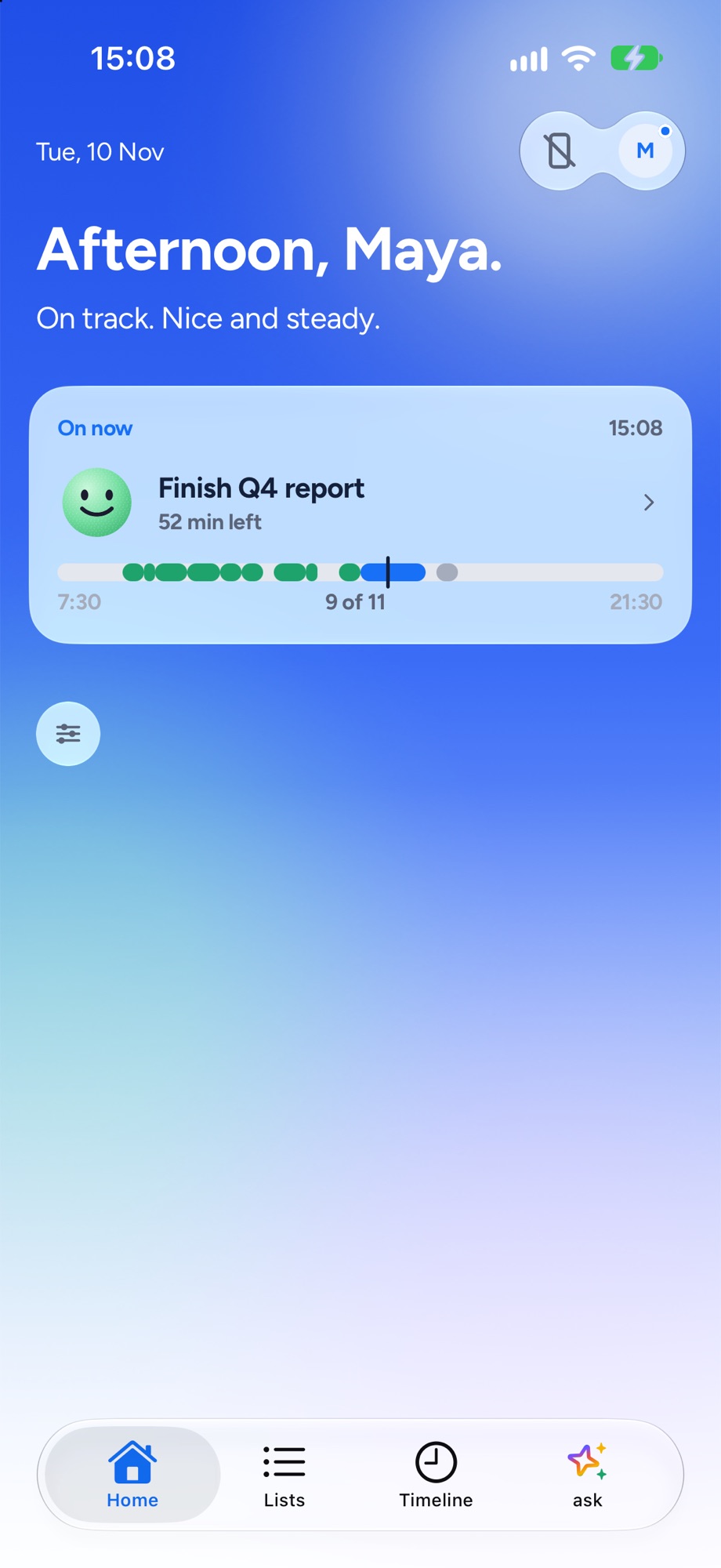
The card at the top of your homepage follows your day. On now names the task you're in and how long is left, like 52 min left. Nothing to decide.
- 2
Tap it to get going
Tap the card and the task opens. Tap Start focus for a timer, or Mark as done when it's finished.
Screenshot to comeTap it to get going - 3
Nothing on? See what's next
Between tasks the card says Up next, with the time and how long until then. In a gap it says Free time: how long you have and what comes after. Tap Start something to pick a thing to do now.
Screenshot to comeNothing on? See what's next - 4
The strip is your whole day
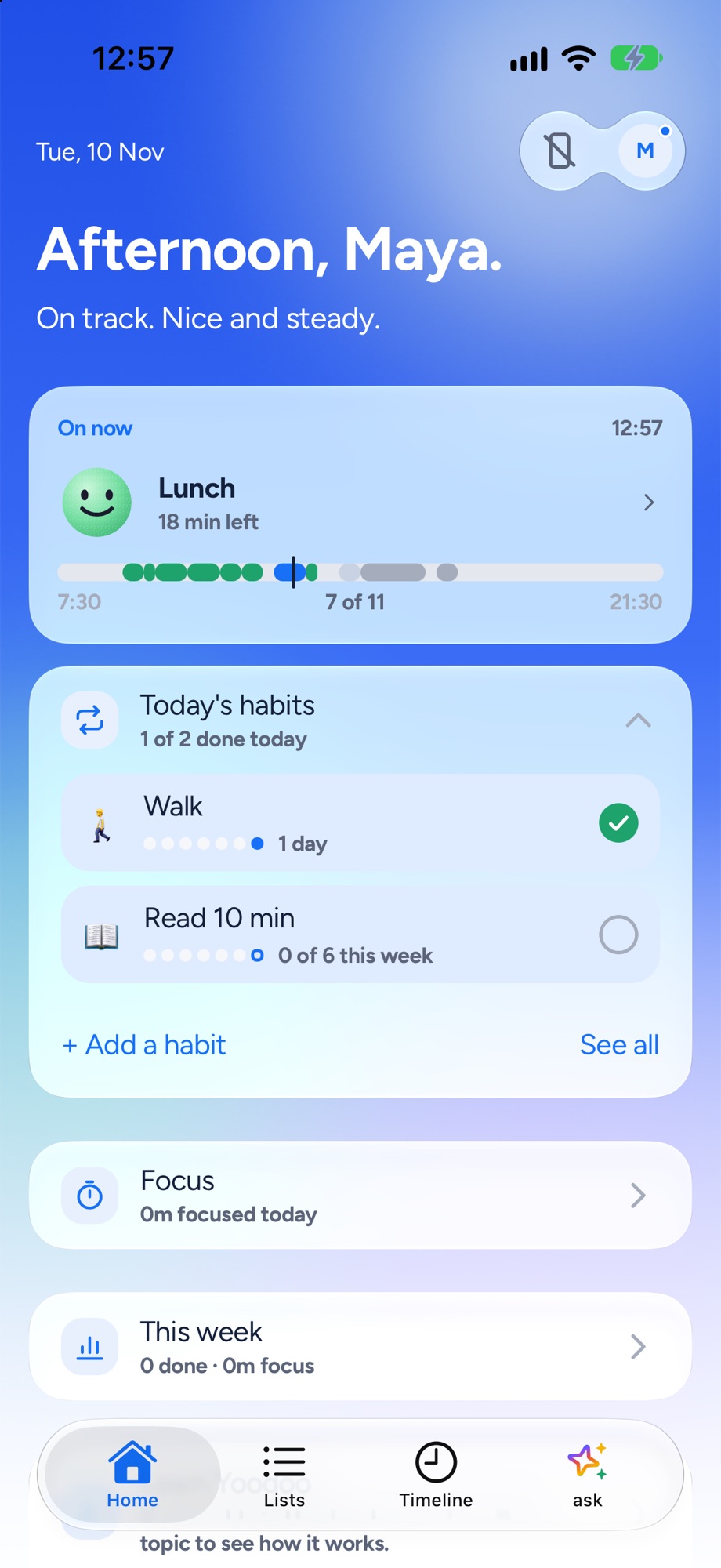
Under the words, a strip runs from when you get up to when you wind down. What's done is green, and the count says how far along you are, like 7 of 11. Tap the strip to open the Timeline.
Next, try these.
Focus on one thing, phone quiet.
Open the task, pick how long, start. It's just you, the task and a timer, with your distracting apps blocked.
Ran over? Fix the rest of the day in one tap.
Everyone runs over. What matters is what happens to the rest of the day. Yoodoo asks one question and moves what can move.