
Where Things 3 shines
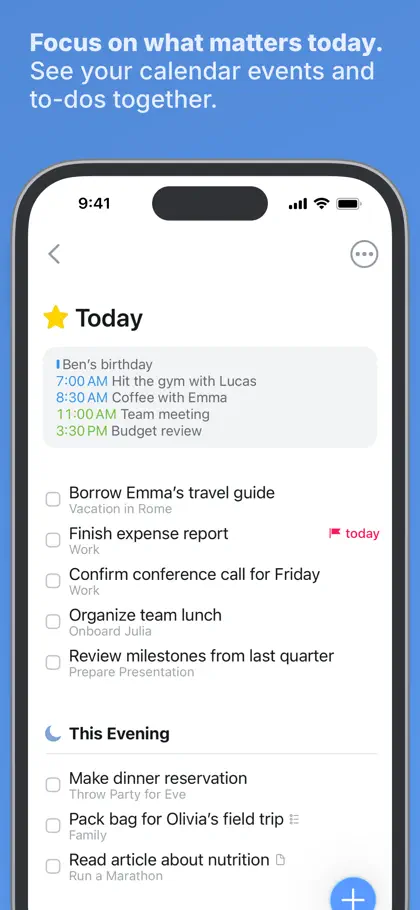
Things is a beautifully made to-do app from Cultured Code. Today, Upcoming, projects and areas, all calm and uncluttered. Your calendar events show up next to your to-dos, there are reminders at a set time, widgets, Markdown notes and Shortcuts support. It’s an App Store Editors’ Choice.
It’s on iPhone, iPad, Mac, Apple Watch and Vision Pro, and each app is bought once, no subscription. Sync through Things Cloud is free. Have a look at culturedcode.com/things.
If you live on Apple devices and a calm, lovely list is what keeps you on track, Things is hard to beat.
Where Yoodoo is different
Things tells you what’s on today. Yoodoo shows you when.
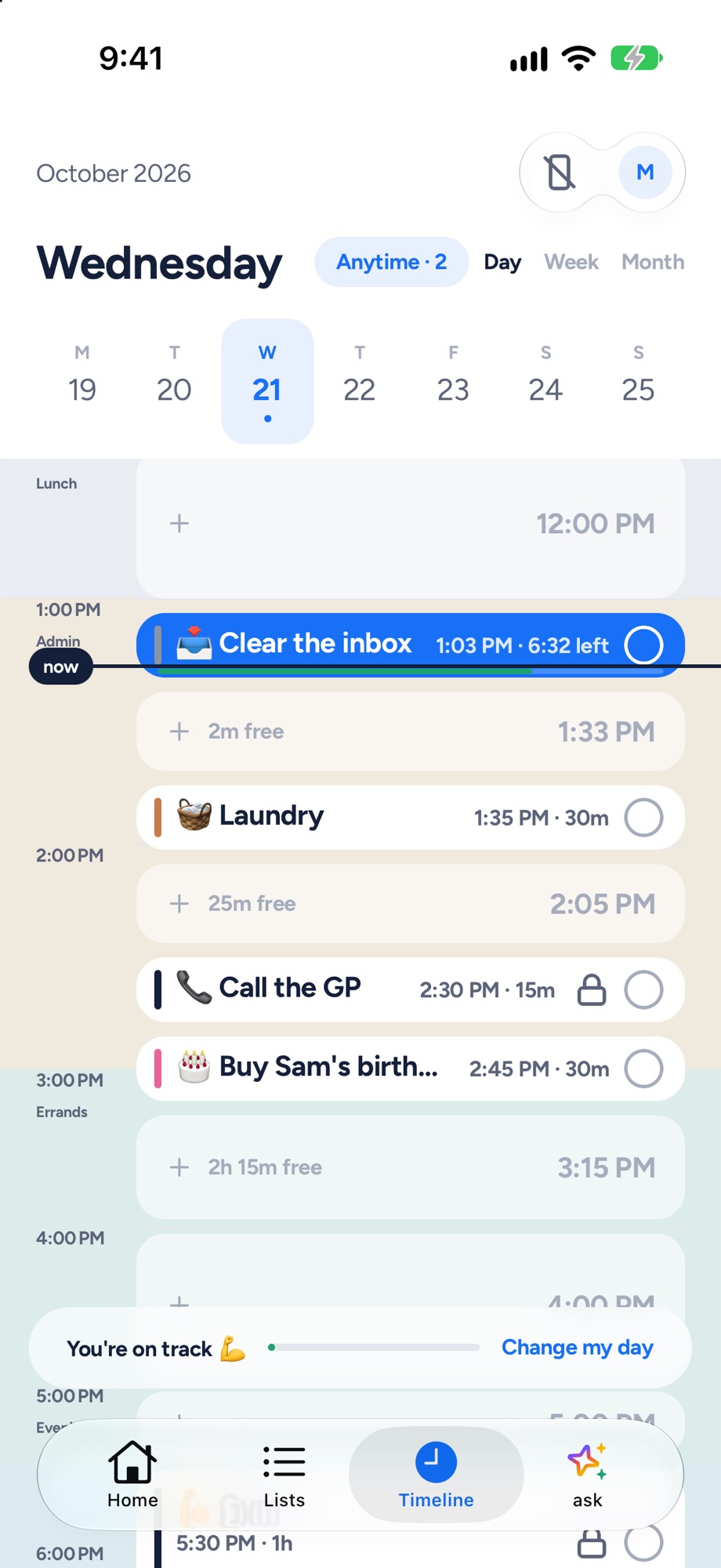
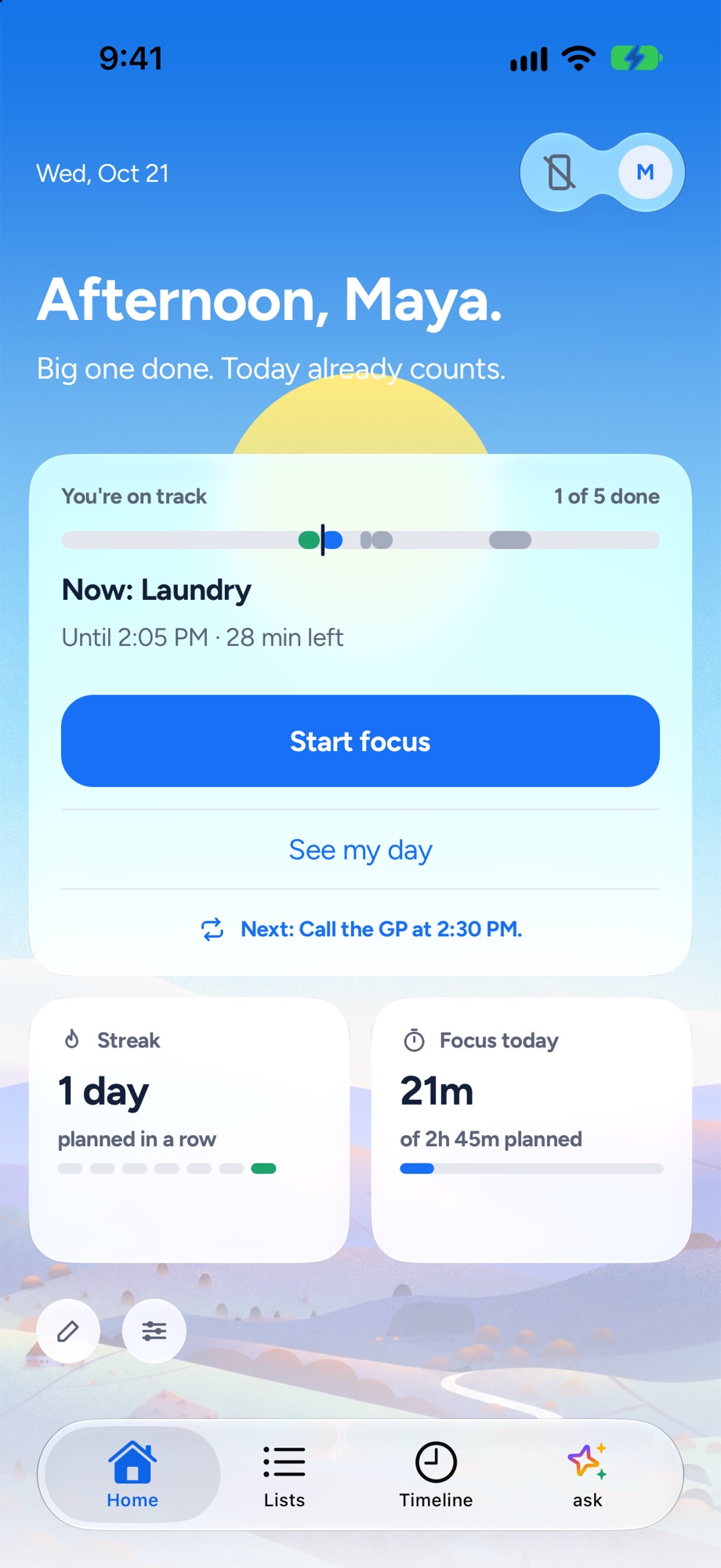
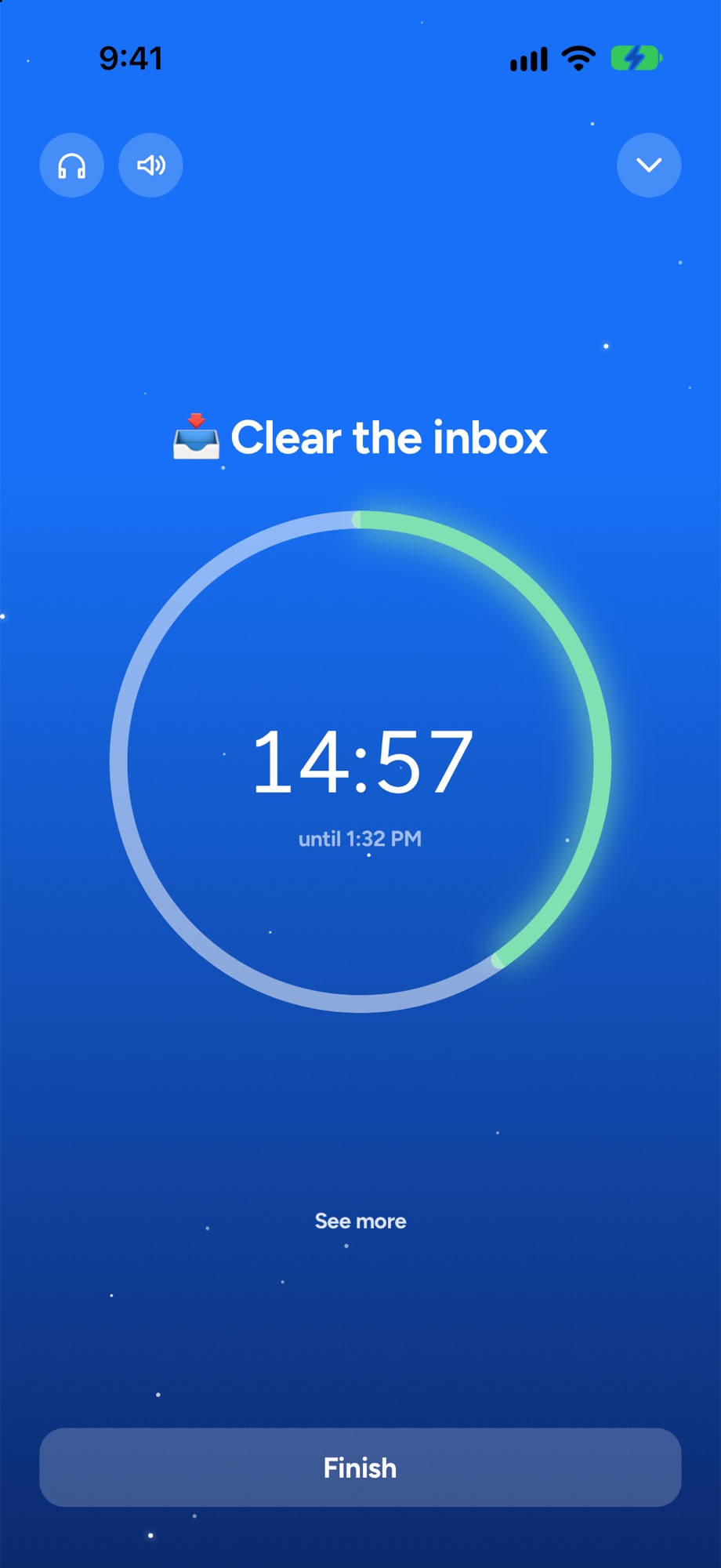
The timeline draws every task as a real block of time around your meetings, so you can see what fits before 4pm. It’s in Lite, the free version. The focus timer runs on any task. Ask Yoodoo plans your day when you just say it. And the app blocker locks the apps that eat your mornings. We couldn’t find any of those in Things.
Yoodoo is also on Android, which Things isn’t. We don’t have native iPad, Mac or Apple Watch apps. On a computer, Yoodoo runs in the browser with Pro.
When your day falls apart
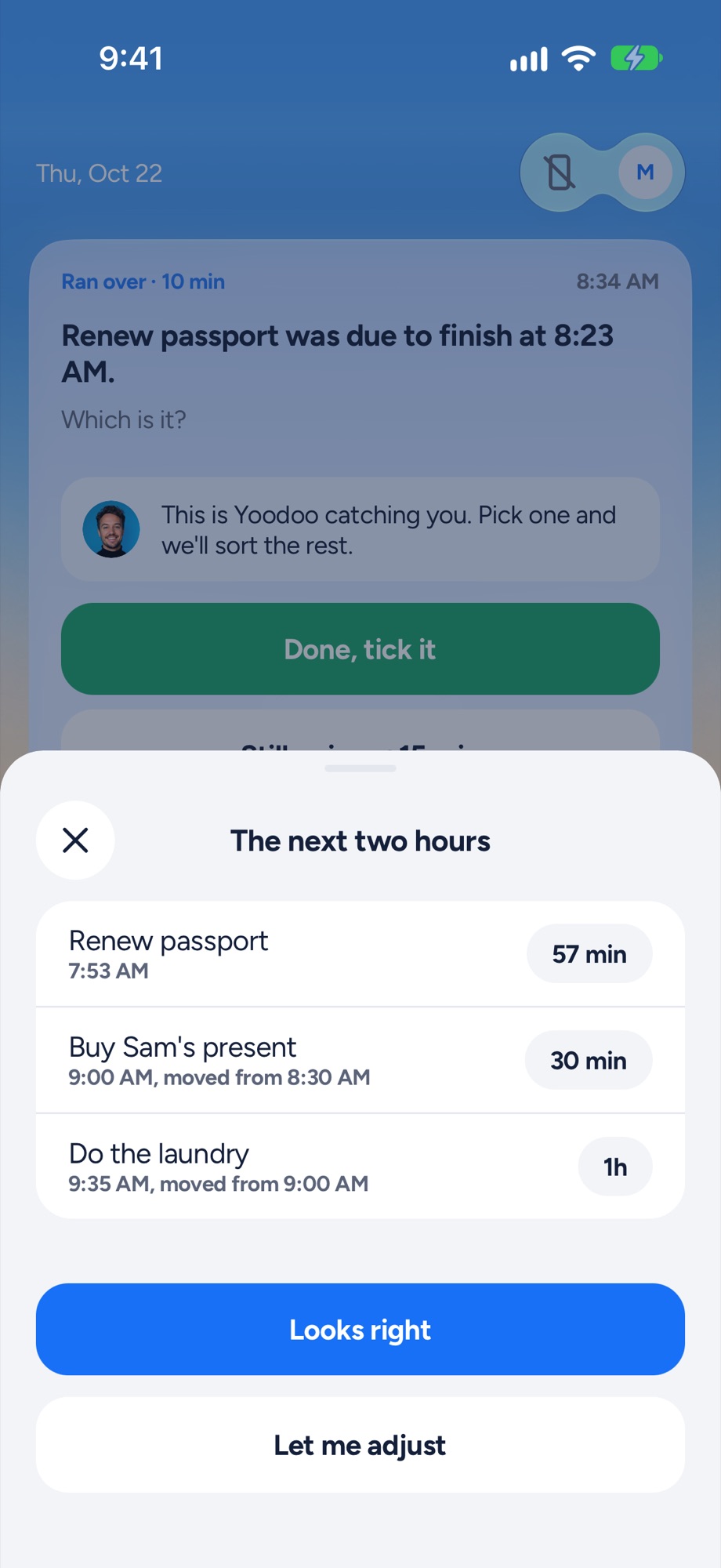
Fix my day notices when something runs over or doesn’t start, asks one question, and fits the rest of today around what really happened. Meetings and locked things stay put. Your most important task is protected. What doesn’t fit goes to Anytime or tomorrow. One tap, in Lite.
We couldn’t find anything like that in Things. Re-planning is up to you, which is fine on a good day and one more job on a bad one.
Price
Things is bought once per device. On the US App Store, Things for iPhone and Apple Watch is $9.99. The Mac and iPad apps are sold separately, and the Mac has a free trial.
Yoodoo Pro is $59.99 a year (with 7 days free), $7.99 a month, or $149.99 once. After the trial, Lite is free for good, with the timeline’s Day view, Fix my day and the focus timer. See Pro.
Switching from Things
- Brain dump your lists. Bring across your Today and anything that still matters.
- Bring your calendar in, so your meetings are the fixed points.
- Plan your week by giving things a day, with room left over.
- Just start with the focus timer on your first task.
Then, when the day slips, tap Fix my day.