
Launch offer: 50% off Pro Yearly and Monthly on the web, until 10 Nov. Start on the web →50% off Pro Yearly and Monthly on the web, until 10 Nov →
← All comparisons

Todoist alternatives for ADHD: 8 apps compared (2026)

Todoist is one of the best to-do lists there is. For lots of ADHD brains, though, a list isn't the problem: the list gets long, nothing has a time, and the day disappears. These eight apps each try a different fix.

Updated 6 November 2026. Facts from each app's own pages.

I read each app's own site, help pages and US store listing on 6 November 2026, and we recheck every month. I make Yoodoo, so I'm biased; that's why every app gets a 'not for you if', ours included. Nobody paid to be on this list.

Why I wrote this

I've used all of these, and I make Yoodoo, so I'm biased. Todoist is brilliant at catching everything. What I needed was help turning the list into an actual day, and that's the thread running through these picks.

Ross

Quick picks

AppBest forAndroid?Free version?Price (US)
YoodooDays that don't go to planYes, same featuresYes (Lite)$59.99/yr
Llama LifeOne task at a timeYesTrial only$39/yr
TiimoA calm visual scheduleYes, catching up with iPhoneYes$54/yr
StructuredA tidy timeline on a budgetYes, fewer featuresYes$29.99/yr
Goblin ToolsBreaking tasks into stepsYesYes (web)Free web, $0.99 app
LunataskAll-in-one with a free planYesYes$72/yr
Amazing MarvinCustomising everythingYesTrial only$96/yr
SunsamaPlanning at a deskYesTrial only$204/yr
Todoist (for reference)A fast to-do listYesYes$60/yr

Yoodoo, up close

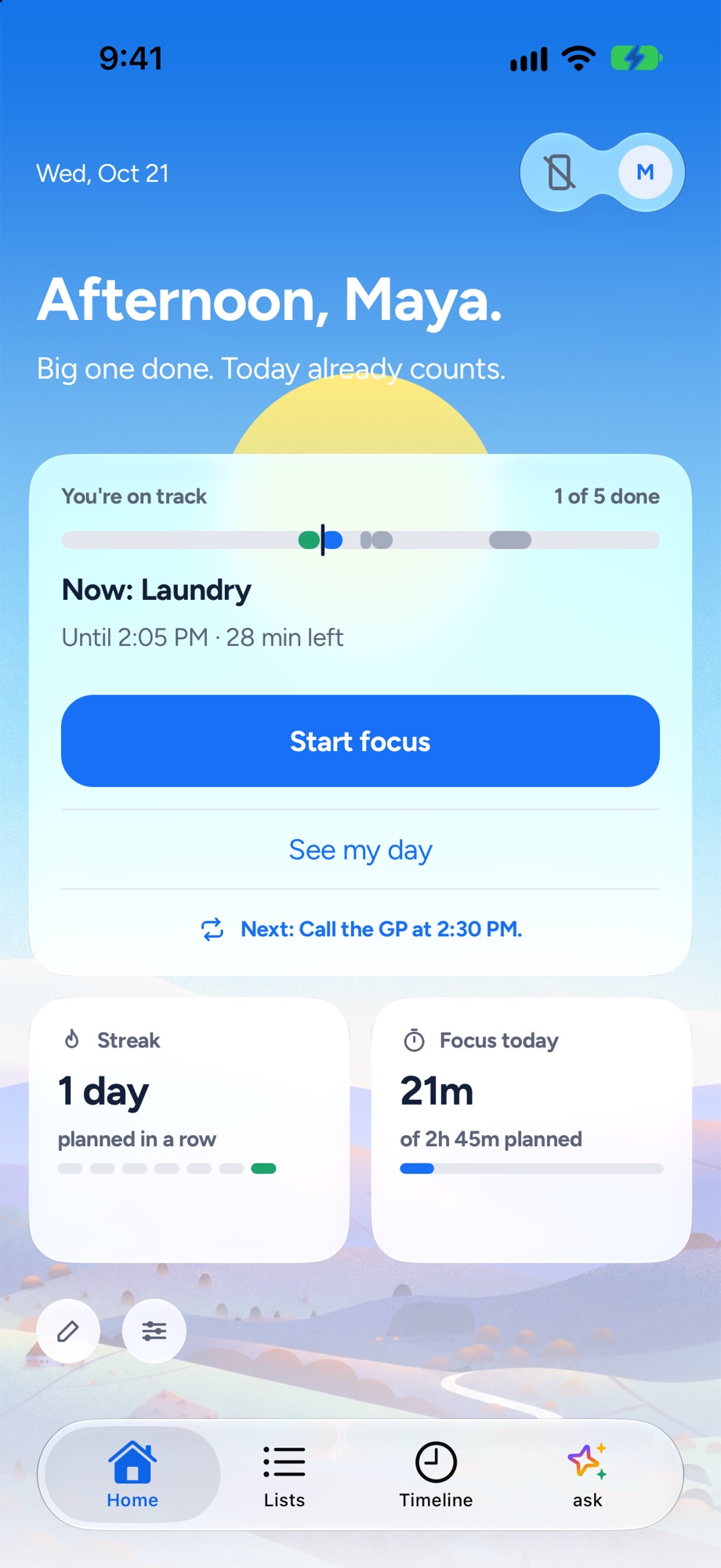
Home
Yoodoo's Home screen: the one thing to do now, how the day is going and a Start focus button
The one thing to do now, and how the day is going.
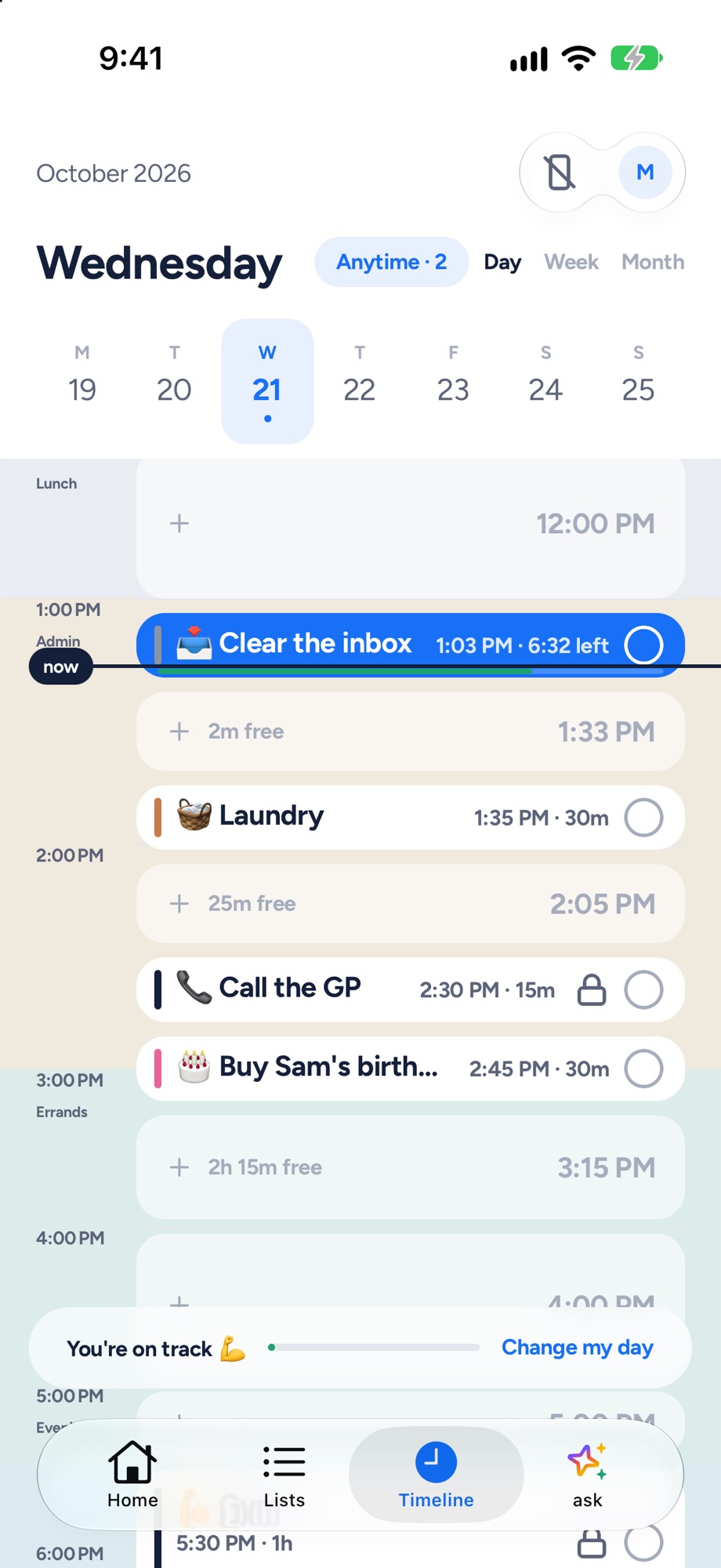
Timeline
Yoodoo's timeline: tasks and calendar events on one day, with the free gaps and a now line
Tasks and meetings on one timeline, free gaps shown.
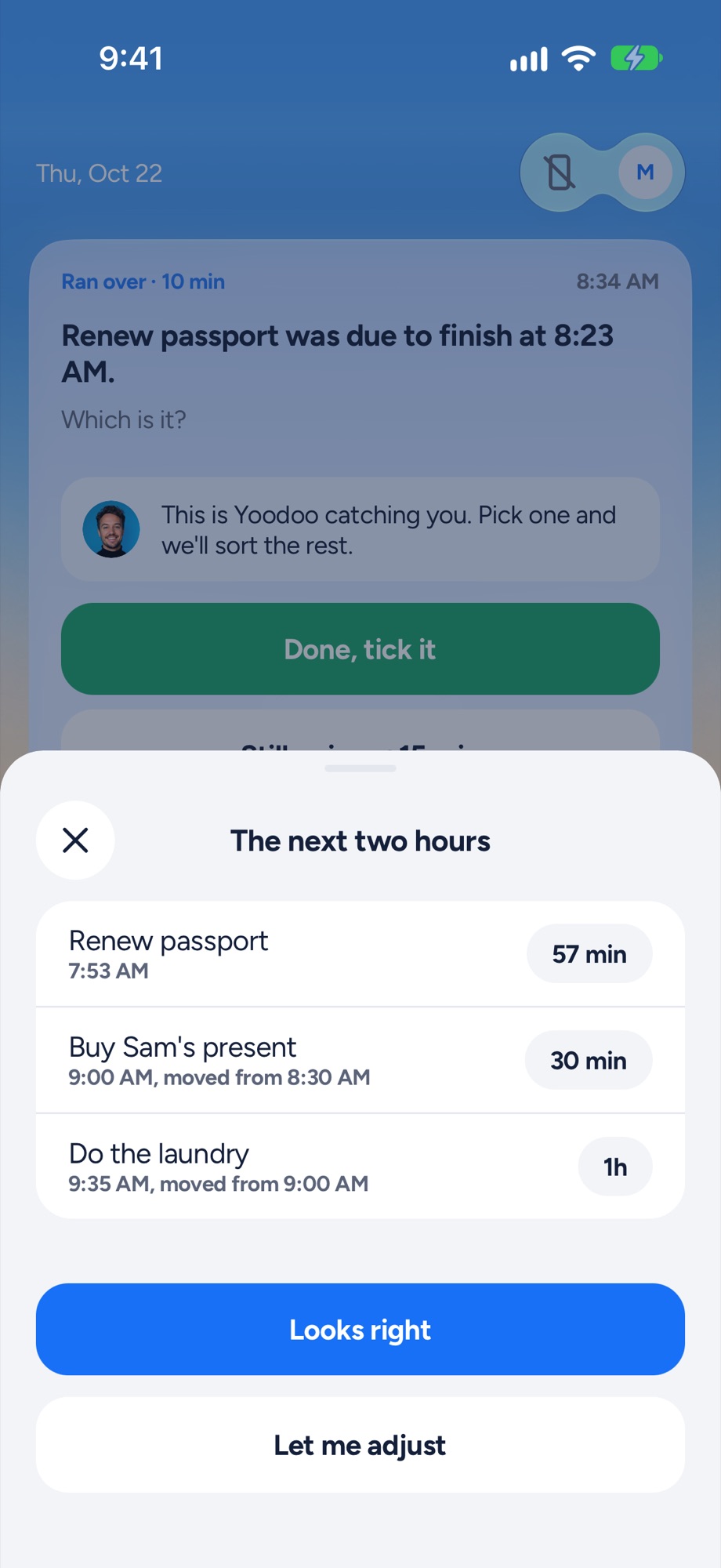
Fix my day
Yoodoo's Fix my day sheet re-fitting the next two hours after a task ran over
Something ran over? One tap re-fits the next two hours.
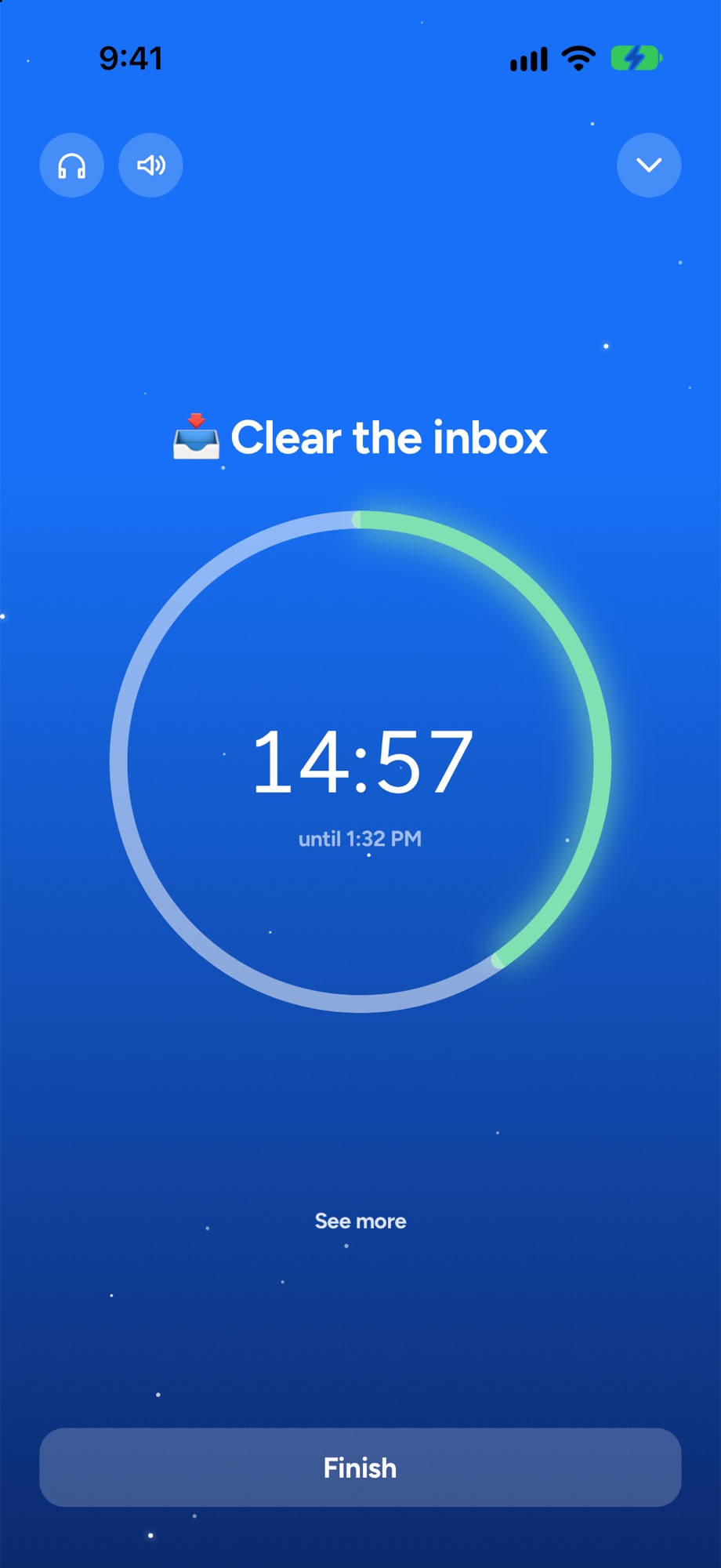
Focus timer
A Yoodoo focus timer counting down on one task
A timer for the one thing you are doing now.
Y
1. Best for turning a list into a real day

YoodooThat's us

An ADHD day planner that bends when your day breaks. Your tasks and calendar go on one timeline, and when something runs over, one tap fits the rest of the day around what really happened.

My take: Mine, so take it with a pinch of salt. Brain dump your list, put things on a timeline, and when the day slips, one tap fixes it.

Good at

  • Fix my day: re-fits the rest of the day in one tap, in the free version
  • A blocker for the apps that eat your mornings, on iPhone and Android (Pro)
  • Say your day out loud and it lands on your timeline
  • Two-way calendar sync (Pro)

Not for you if

  • You want a native iPad, Apple Watch or Mac app (on a computer, Yoodoo runs in the browser with Pro)
  • You need it in a language other than English, for now
  • You want lots of lists and habits for free (Lite has one list and one habit)
Price
Lite is free. Pro is $59.99 a year (7 days free), $7.99 a month or $149.99 once
Runs on
iPhone and Android, plus web and desktop with Pro
Yoodoo's timeline: tasks and calendar events on one day, with the free gaps and a now line
L
2. Best for one task at a time

Llama Life

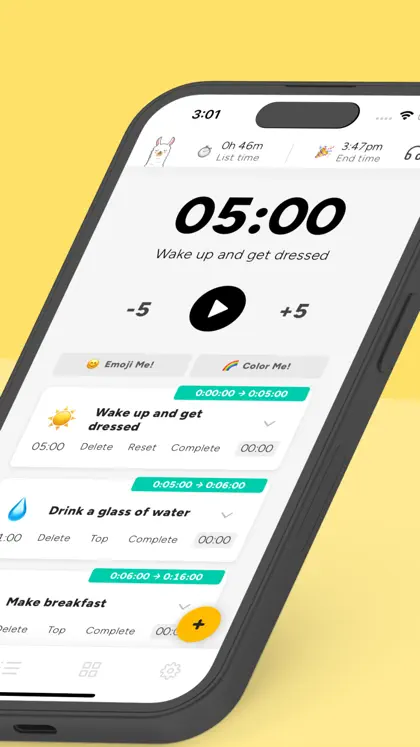
A focused to-do list where every task gets its own countdown. You work down the list one timer at a time and see when you'll finish.

My take: Keeps the list, adds a timer to every task and a finish time. If your Todoist list is fine but you lose time working through it, this is a nice step.

Good at

  • Timeboxing each task
  • Seeing your list's total time and finish time
  • Very little to set up

Not for you if

  • You want your meetings and tasks on one timeline of the day
  • You want a free version (it's a 7-day trial, then paid)
Price
$39 a year or $6 a month on the US App Store, 7-day trial
Runs on
Web, iPhone and Android
Llama Life on the App Store: one of its own screenshots
Screenshot: Llama Life's App Store listing, taken 6 Nov 2026
T
3. Best calm, visual planner on Apple devices

Tiimo

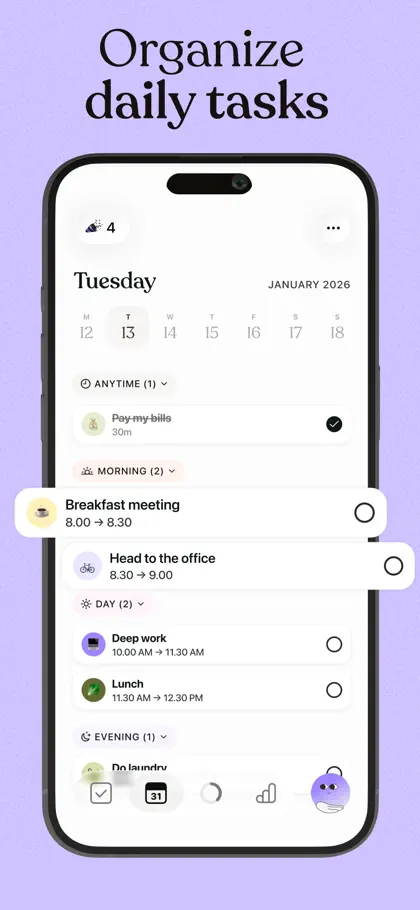
A calm, colourful visual planner, and Apple's iPhone App of the Year for 2025. It has a free version, with Pro adding things like AI task breakdown.

My take: A completely different feel: a calm, visual day instead of a list. Worth trying if long lists make you freeze.

Good at

  • A gentle, icon-led schedule
  • iPad and Apple Watch apps
  • A good free version

Not for you if

  • You want your plans to sync back to your calendar: Tiimo imports calendars, it doesn't sync both ways
  • You're on Android and want everything now: Tiimo says it's building towards the same features as iPhone
Price
Free version. Tiimo Pro is listed at $54 on the US App Store (it lists other Pro prices too)
Runs on
iPhone, iPad, Apple Watch, Android and web
Tiimo on the App Store: one of its own screenshots
Screenshot: Tiimo's App Store listing, taken 6 Nov 2026
S
4. Best visual timeline on a budget

Structured

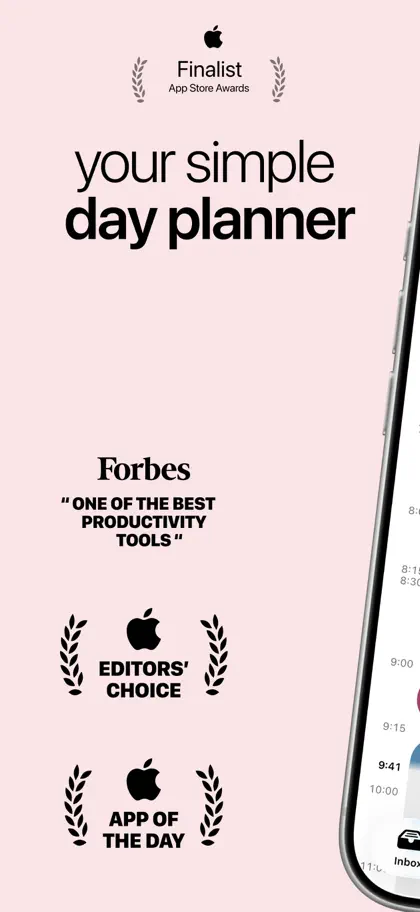
A clean, visual day planner that puts your tasks and calendar on one timeline. Tidy, quick and cheap, with a good free version.

My take: A timeline you fill quickly, with a good free version. The simplest jump from 'a list' to 'a day'.

Good at

  • A simple timeline that's quick to fill
  • Low price, and a lifetime option
  • Apple Watch, iPad and Mac apps

Not for you if

  • You're on Android and want Replan, which its help centre says is on Apple devices only
  • You want calendar sync both ways
Price
Free version. Pro is $29.99 a year or $99.99 lifetime on the US App Store (it lists other prices too)
Runs on
iPhone, iPad, Apple Watch, Mac, Android (fewer features) and web
Structured on the App Store: one of its own screenshots
Screenshot: Structured's App Store listing, taken 6 Nov 2026
G
5. Best free helper for getting started

Goblin Tools

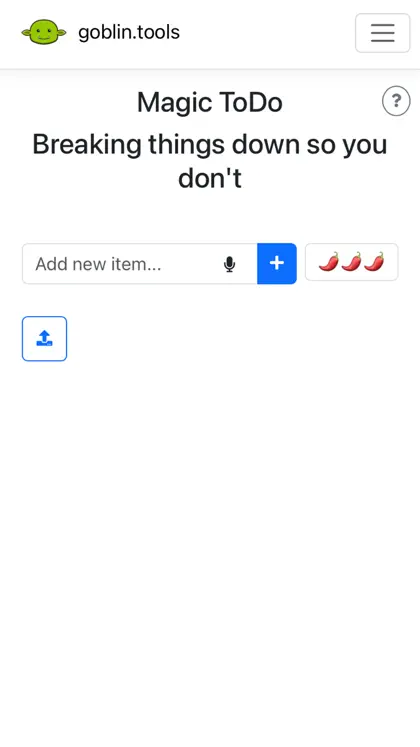
A set of small, single-job AI tools, mainly built for neurodivergent people. Magic ToDo breaks a task into steps; others estimate how long things take, change the tone of a message, and turn a brain dump into a list.

My take: Not a list replacement, but Magic ToDo is great for the tasks that sit in Todoist for weeks because they're too big to start.

Good at

  • Breaking a scary task into tiny steps
  • Free on the web, with no ads
  • Cheap phone app

Not for you if

  • You want a planner: there's no timeline or calendar
  • You need reminders through the day
Price
Free on the web. The iPhone app is $0.99 on the US App Store, with an optional Pro at $3.99 a month or $39.99 a year
Runs on
Web, iPhone, iPad and Android
Goblin Tools on the App Store: one of its own screenshots
Screenshot: Goblin Tools's App Store listing, taken 6 Nov 2026
L
6. Best all-in-one with a free plan

Lunatask

Tasks, habits, mood, a journal and notes in one end-to-end encrypted app, with time blocking and task timers. It says it was designed with ADHD brains in mind.

My take: Tasks plus habits, mood and notes, with time blocking and timers. Good if you want more than a list but still like lists.

Good at

  • Everything in one place
  • A generous free plan
  • Windows, Mac, Linux, iPhone and Android

Not for you if

  • You want something that plans for you rather than a toolbox you set up
Price
Free plan. Premium is $6 a month billed yearly, or $8 monthly
Runs on
Windows, Mac, Linux, iPhone and Android
Lunatask on the App Store: one of its own screenshots
Screenshot: Lunatask's App Store listing, taken 6 Nov 2026
A
7. Best for tinkerers

Amazing Marvin

A to-do app you shape around how your brain works, turning on only the features you want from hundreds of settings.

My take: Like Todoist with every dial exposed. Brilliant if you enjoy building a system, risky if setting up is your favourite way to avoid the actual task.

Good at

  • Deep customisation
  • Desktop apps for Mac and Windows
  • Student and pay-what-you-can discounts

Not for you if

  • Setting things up is where you lose the day
  • You want a free plan
Price
$96 a year, 14-day trial with no card
Runs on
Web, Mac, Windows, iPhone and Android
Amazing Marvin on the App Store: one of its own screenshots
Screenshot: Amazing Marvin's App Store listing, taken 6 Nov 2026
S
8. Best for planning at a desk

Sunsama

A calm daily planner for busy professionals, with a guided planning routine and your work tools in one place.

My take: Pulls tasks from your work tools into a daily plan with a guided ritual. A good fit if Todoist is mostly for work and you sit at a laptop.

Good at

  • Pulling in tasks from Slack, Asana and Trello
  • A daily planning routine

Not for you if

  • Your day lives on your phone
  • You want a free version (it says it doesn't plan to have one)
Price
$17 a month billed yearly ($204 a year) or $22 monthly, 14-day trial with no card
Runs on
Web, Mac, Windows, Linux, iPhone, iPad and Android
Sunsama on the App Store: one of its own screenshots
Screenshot: Sunsama's App Store listing, taken 6 Nov 2026

How to choose

  • Your list is fine, but the day never matches it. Yoodoo puts tasks on a timeline and fixes the day when it slips.
  • You lose time once you start. Llama Life, or Yoodoo’s focus timer.
  • Long lists make you freeze. Tiimo or Structured, which show a day rather than a list.
  • Some tasks never get started. Goblin Tools, or Ask Yoodoo to break them into tiny steps.
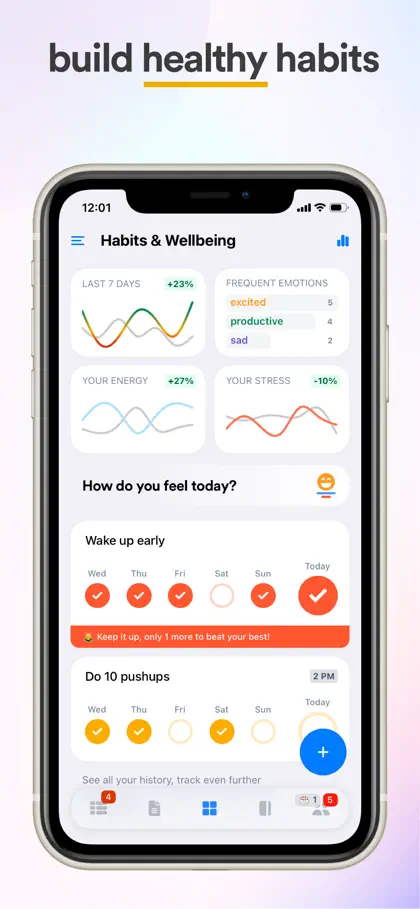
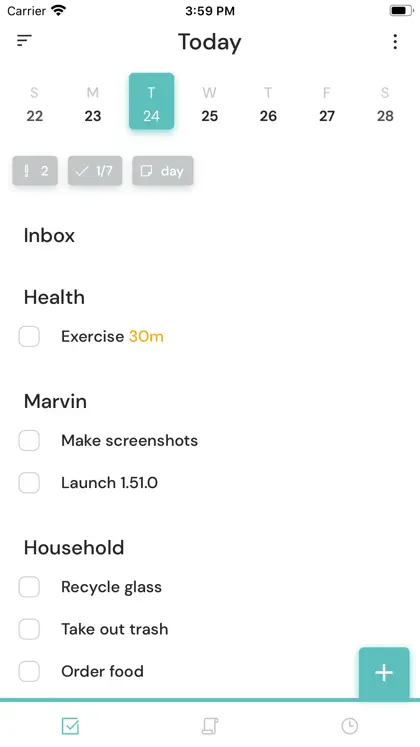
  • You want a system you build yourself. Amazing Marvin or Lunatask.

Why ADHD brains outgrow a to-do list

A list holds everything, which is great. But it doesn’t tell you when, it doesn’t shrink, and it doesn’t forgive. By Wednesday it’s a wall. What tends to help is making time visible (a timeline or a timer) and having a way back when the day goes off track. More on that in time blindness. Here’s Yoodoo vs Todoist side by side.

Switching to Yoodoo

Brain dump your Todoist list in one go, bring your calendar in, and drag today’s bits onto the timeline. Lite is free for good after the 7-day trial.

Questions

Is Todoist good for ADHD?
Todoist is great at capturing everything fast, which helps a lot of ADHD brains. Where people struggle is the next step: a long list with no times on it. If that's you, try something that puts tasks into time, like Yoodoo, Structured or Tiimo, or puts a timer on each task, like Llama Life.
What's the best free Todoist alternative?
Yoodoo Lite is free for good, with the Day view, Fix my day and the focus timer. Structured, Tiimo and Lunatask have free versions, and Goblin Tools is free on the web.
Can I use Todoist with another app?
Yes. Lots of people keep Todoist as the place everything lands and use a planner for the day itself. Sunsama pulls in Todoist tasks. In Yoodoo you can brain dump a list in one go.
Does Todoist have a calendar view?
Todoist's pricing page lists the calendar layout as a Pro feature. Its free plan has up to five personal projects.

Sources

Apps change. If something here is out of date, tell us in the app and we'll fix it.

Download YoodooPro free for 7 days